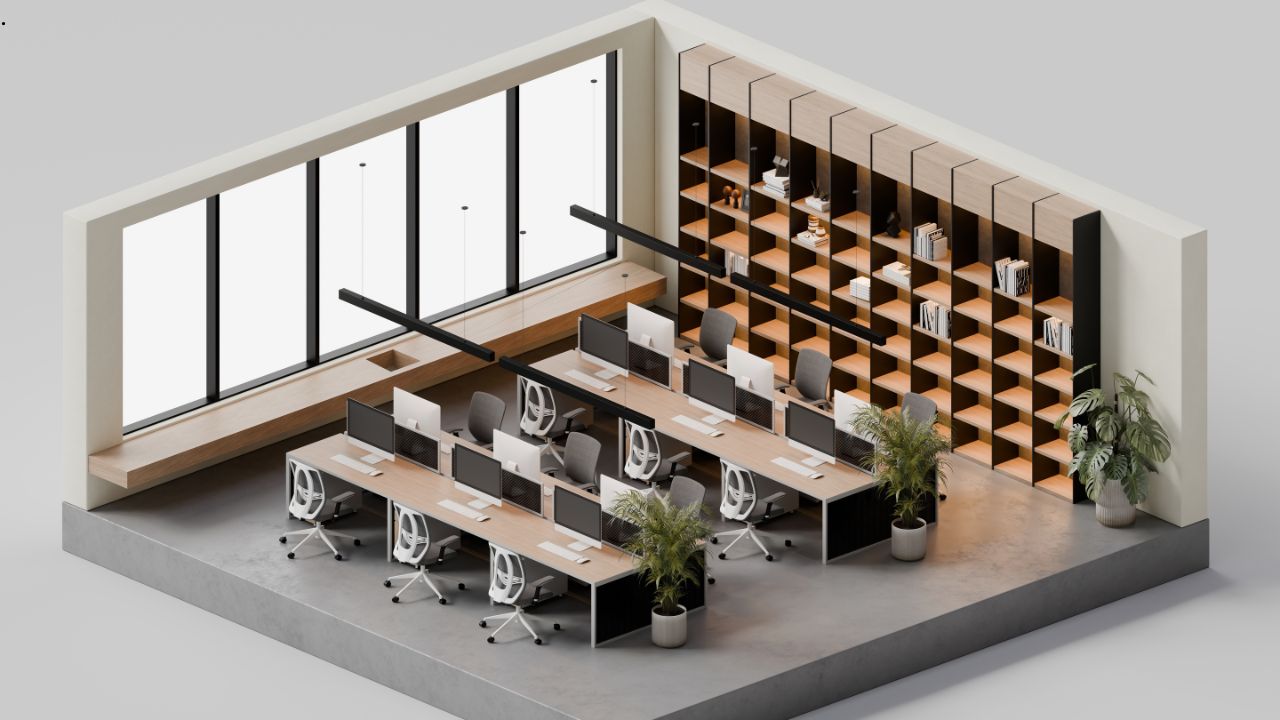
Interior design once required expensive architects or complex CAD software, but today’s online tools make it accessible to everyone. Free platforms empower homeowners, renters, and professionals to create stunning 3D visualizations of homes, offices, or renovations without technical skills. These intuitive apps save thousands in consultation fees while letting you experiment endlessly with layouts, furniture, and decor.
Gone are days of physical furniture shuffling or 2D sketches. Drag-and-drop interfaces, vast material libraries, and photorealistic renders bring ideas to life instantly. Check out RoomToDo to see how simple professional-grade design can be.
Table of Contents
Why Free 3D Design Tools Are Game-Changers
You don’t need prior experience to get started, and learning simple design methods can make your results look more polished from the beginning. Kids can plan bedrooms; pros pitch clients.
Core features:
- 2D floor plan creation: angled walls, irregular thicknesses.
- Upload real blueprints: trace for instant 3D conversion.
- Thousands of doors, windows, arches, columns.
- Extensive finishes: wallpaper, tiles, wood, stone, laminates.
- Customizable furniture: resize, recolor, mix materials.
Visualization modes:
- Floor plans for structure.
- 2D/3D for decoration.
- First-person walkthroughs for immersive previews.
Perfect for Every Space
Home renovations: Moving to a new build? Plan kitchens flowing to dining areas, optimize bedroom lighting, test flooring from ceramic tiles to hardwood. Families collaborate—kids pick bunk beds and desk setups.
Apartments: Maximize small spaces with multifunctional zones: sofa beds, wall-mounted desks, mirror illusions for depth.
Offices: Layout open-plan workspaces, meeting pods, break areas. Real estate agents stage empty properties virtually to speed sales.
Step-by-Step Design Process
- Sketch base: Draw walls or import floor plans.
- Add structure: Place doors, windows, stairs.
- Choose materials: Experiment with wall coverings, flooring, ceilings.
- Furnish creatively: Position sofas, tables, lamps; customize to taste.
- Light and refine: Lighting plays a big role in how colors appear, so understanding the painting process helps you choose shades that look right in every light.
- Share results: Save unlimited versions, post to social media.
Free versions handle most projects; PRO unlocks custom assets.
Real Benefits, Real Results
- Cost: $0 vs. $100+/hour for designers.
- Speed: Hours, not weeks.
- Accuracy: Spot layout flaws pre-construction.
- Fun: Creative process engages whole households.
Example: A couple redesigned their 800 sq ft flat, fitting home office, guest room, and storage—saving $3K on architect fees. A startup visualized 1,000 sqm office, cutting space waste by 18%.
Pro Tips for Stunning Results
- Lighting matters: Warm LEDs (2700K) for cozy; cool (4000K) for work.
- Scale precisely: Input real measurements.
- Trends 2026: Biophilic elements (plants), curved furniture, earthy tones.
- Sustainability: Preview eco-materials like bamboo or recycled tiles.
These tools don’t just plan spaces—they inspire lifestyles. Whether refreshing a single room or blueprinting a dream home, free 3D software unlocks your inner designer. Start experimenting today and watch ordinary spaces become extraordinary.