
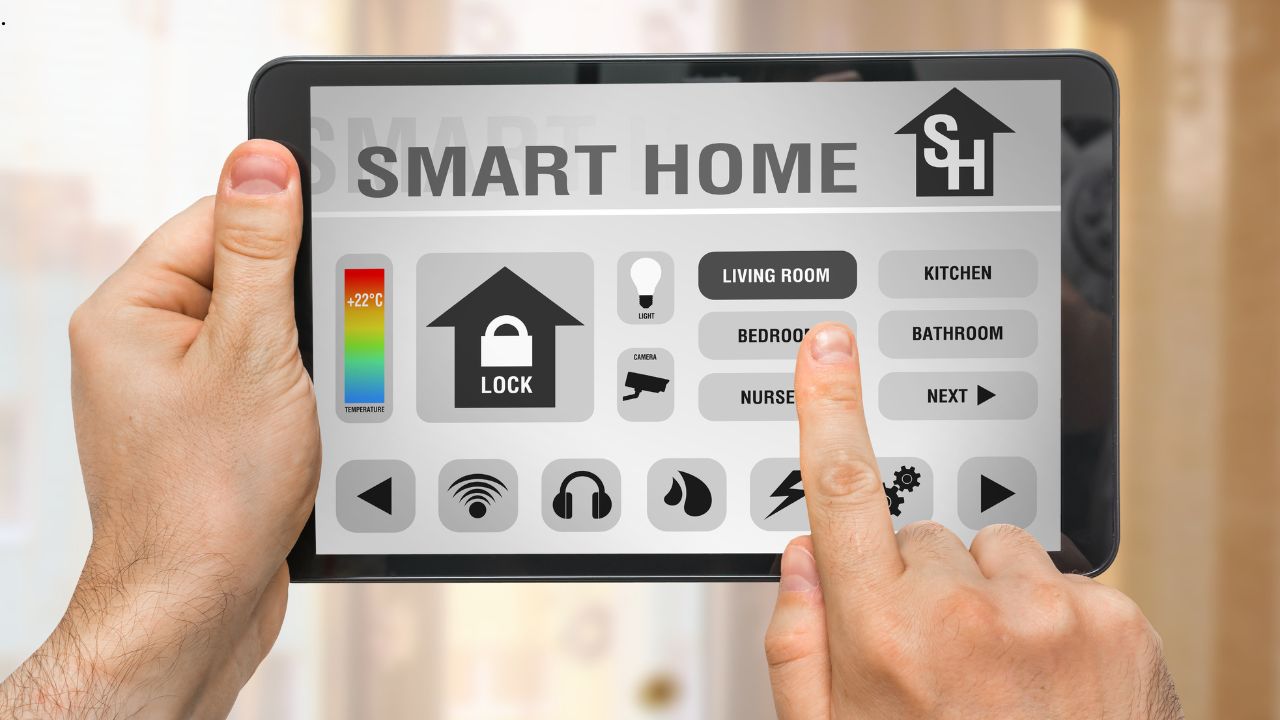
Smart-home technology has become increasingly wireless.
Thermostats connect over Wi-Fi. Door locks communicate through wireless protocols. Cameras stream video without traditional data cables. Speakers can be placed almost anywhere, and many appliances now arrive with their own apps.
That can create the impression that modern homes no longer need much technology infrastructure behind the walls.
In reality, the opposite is often true.
The more connected devices a home contains, the more important the underlying network, electrical capacity, equipment locations, and future expansion paths become. Wireless technology is extremely useful, but it still depends on physical infrastructure somewhere in the house.
For homeowners building a new home or completing a major renovation, the best time to think about that infrastructure is before the walls are closed.
Wireless Does Not Mean Infrastructure-Free
A wireless device still needs something to connect to.
That connection may ultimately depend on:
- Internet service entering the home
- Routers and switches
- Wi-Fi access points
- Electrical outlets
- Low-voltage cabling
- Control equipment
- Backup power
The most useful smart-home planning often happens before any devices are purchased. When homeowners compare smart home features for new custom builds, infrastructure such as structured wiring, Wi-Fi access points, conduit, security wiring, and electrical capacity can matter more in the long term than choosing a particular app or gadget.
Devices change quickly.
Infrastructure can remain useful for decades.
1. Good Wi-Fi Starts With Where Access Points Are Located
A powerful router placed in one corner of the house cannot always provide reliable coverage everywhere.
Modern homes can contain materials and layouts that interfere with wireless signals, including:
- Concrete
- Tile
- Metal
- Multiple floors
- Dense walls
Large homes may perform better with multiple access points placed strategically throughout the building.
The important word is strategically.
An access point hidden in a mechanical room at one end of the house may perform very differently from one located near the center of the area it needs to serve.
Planning access-point locations during design allows networking to become part of the architecture instead of an afterthought.
2. Ethernet Still Has Advantages for Fixed Devices
Wireless networking is convenient, but wired Ethernet remains extremely useful.
Devices that rarely move can benefit from direct connections.
Examples include:
- Desktop computers
- Smart TVs
- Media servers
- Gaming systems
- Network storage
- Home-office equipment
A wired connection can reduce the number of devices competing for wireless bandwidth.
It can also provide predictable performance in locations where signal strength is inconsistent.
The goal is not to wire everything.
It is to use wired and wireless connectivity where each makes the most sense.
3. Security Cameras Often Benefit From Planned Wiring
Wireless security cameras are easy to install, which makes them attractive for existing homes.
New construction provides another option.
Cameras can sometimes be connected using Ethernet that carries both data and power through technologies such as Power over Ethernet.
That can simplify installation because the camera does not necessarily need a separate electrical outlet at its location.
More importantly, the connection does not depend entirely on Wi-Fi coverage.
For a permanent security system, planning camera locations before exterior finishes are complete can produce a much cleaner installation.
4. Smart TVs, Gaming, and Home Offices Can Compete for Bandwidth
A modern household may simultaneously have:
- Video calls
- Streaming television
- Cloud backups
- Gaming
- Security-camera traffic
- Smart appliances
Individually, many of these devices are manageable.
Together, they can place significant demand on the network.
This becomes particularly important for home offices.
Someone participating in an important video meeting may care much more about connection stability than whether a wireless speaker takes another second to respond.
Hardwiring selected high-demand devices can leave more wireless capacity for phones, tablets, and portable smart-home products.
5. A Central Equipment Location Makes the System Easier to Manage
Technology equipment tends to accumulate.
A home may eventually contain:
- Modem
- Router
- Network switch
- Security equipment
- Smart-home hub
- Audio equipment
Without planning, these devices may end up scattered around closets and cabinets.
A dedicated low-voltage or network location can make the system easier to understand and maintain.
That location should have adequate:
- Power
- Ventilation
- Accessibility
It also provides a logical destination for network cables arriving from different rooms.
6. Conduit May Be More Valuable Than Today’s Smart Devices
One of the most useful pieces of technology infrastructure contains no technology at all.
It is simply an empty pathway.
Conduit allows future wiring to be pulled through parts of the home without opening finished walls.
That can be particularly useful between difficult-to-access areas such as:
- Utility spaces
- Attics
- Home offices
- Media rooms
- Exterior locations
Nobody knows exactly what residential technology will require fifteen years from now.
Planning a pathway can sometimes be more useful than guessing which cable standard will dominate in the future.
7. Plan Power Where Future Technology Is Likely to Go
Smart devices still need electricity.
During a major renovation or custom build, homeowners should think about locations where technology may eventually appear.
Possible examples include:
- Motorized window shades
- Wall-mounted displays
- Security equipment
- Smart toilets
- Digital mirrors
- Automated doors
Adding power while walls are open can be relatively straightforward.
Discovering later that an important device location has no convenient electrical source can create a much more visible and expensive retrofit.
8. Think Beyond Wi-Fi: EV Chargers, Batteries, Solar, and Energy Monitoring
Smart-home planning is increasingly connected to the home’s electrical infrastructure.
Electric vehicles are one obvious example.
A homeowner may not own an EV today but could reasonably expect one in the future.
Planning electrical capacity and possible charger locations can make later installation easier.
Similar thinking applies to:
- Solar systems
- Home batteries
- Energy-monitoring equipment
- Backup power
These systems may eventually communicate with smart-home software, but their real foundation is electrical infrastructure.
The smartest preparation is therefore sometimes hidden inside the panel rather than visible on a touchscreen.
9. Smart Leak Detection Needs More Than an App
Water-detection technology has become increasingly sophisticated.
Sensors can identify moisture near:
- Water heaters
- Washing machines
- Sinks
- Mechanical equipment
Some systems can automatically shut off the home’s main water supply when a serious leak is detected.
That sounds like a software feature.
But effective installation may require planning around:
- Valve location
- Power
- Network coverage
- Sensor placement
Smart-home reliability often depends on physical installation quality just as much as software.
10. Security Systems Work Better When Device Locations Are Planned
Doorbell cameras, exterior cameras, motion sensors, and alarm equipment are frequently installed after construction.
They can work perfectly well that way.
But new construction creates an opportunity to think about security before siding, drywall, and trim are complete.
That allows device locations to be coordinated with:
- Entry doors
- Exterior lighting
- Landscaping
- Sight lines
Planning also helps avoid exposed wires and awkward device placement.
11. Audio Should Be Planned Before the Ceiling Is Finished
Whole-home audio remains another good example.
Wireless speakers offer tremendous flexibility.
But some homeowners still prefer built-in ceiling or wall speakers in:
- Kitchens
- Living rooms
- Outdoor spaces
Once drywall is installed, adding those systems becomes more disruptive.
Even homeowners who are not ready to purchase the audio equipment immediately can consider whether wiring or conduit should be installed while access is easy.
12. Home Offices Deserve More Infrastructure Than a Spare Bedroom
Remote and hybrid work have changed what homeowners expect from residential offices.
A serious home office may need:
- Strong networking
- Multiple electrical circuits
- Charging locations
- Monitor connections
- Video-conferencing equipment
The room should not depend entirely on whatever Wi-Fi signal happens to reach that corner of the house.
If remote work is important to the household, the office should be treated more like a permanent technology environment.
13. Why the Rough-In Stage Is So Important
There is a specific moment in construction when technology infrastructure is relatively easy to install.
It happens after framing but before the walls are closed.
During this phase, electricians, plumbers, HVAC contractors, and low-voltage specialists can access wall and ceiling cavities directly.
Timing matters because most technology infrastructure becomes significantly harder to change after the walls are finished. During the custom home construction stages, the rough-in phase is when electrical, networking, security, audio, and other low-voltage systems can be coordinated before insulation and drywall conceal them.
Once drywall, cabinetry, tile, and paint are complete, many of the same changes require cutting into finished surfaces.
14. Technology Planning Should Happen Before Rough-In
Waiting until the electrician arrives is already relatively late.
Some technology decisions affect:
- Floor plans
- Cabinetry
- Lighting
- Mechanical equipment
For example, a large network cabinet needs a physical location.
A wall-mounted television may affect outlet placement.
Motorized shades may influence window wiring.
The best technology plan starts during design, not during installation.
15. Do Not Build Around One Brand
Technology companies change.
Products disappear.
Platforms merge.
A smart home designed around one proprietary ecosystem may become difficult to maintain years later.
Infrastructure provides more flexibility.
Instead of asking only:
Which smart-home platform should we install?
Also ask:
What infrastructure would make it easier to change platforms later?
That may mean prioritizing:
- Standard wiring
- Adequate electrical capacity
- Accessible equipment
- Conduit
16. Wireless Devices Still Make Perfect Sense
None of this means every smart device needs a wire.
Wireless technology is excellent for devices that:
- Move
- Use very little data
- Would be difficult to wire
- Are likely to be replaced frequently
Examples might include:
- Portable speakers
- Environmental sensors
- Smart plugs
Trying to hardwire every gadget could create unnecessary complexity.
The objective is balance.
Use permanent infrastructure for the parts of the system that benefit from permanence.
Use wireless technology where flexibility matters.
17. Infrastructure Usually Ages Better Than Gadgets
Think about the lifespan of different home components.
A smart display may feel outdated within several years.
A properly installed network cable or electrical circuit can remain useful much longer.
This creates an important budgeting principle.
When building or remodeling, it may be more valuable to spend money on infrastructure that supports many future devices than on the most expensive current-generation gadgets.
A new smart-home hub can be purchased later.
Running cable through a finished ceiling is harder.
18. Avoid Technology Clutter
Poor smart-home planning can result in:
- Adapters
- Extension cords
- Visible power supplies
- Equipment stacked inside furniture
Infrastructure planning allows more of the supporting technology to disappear into appropriate locations.
The finished home can actually look less technological even while becoming more capable.
That is often the sign of good integration.
19. Plan for Maintenance
Technology eventually needs:
- Resets
- Replacement
- Troubleshooting
Do not bury important equipment in inaccessible locations.
A beautifully concealed network switch is not helpful if reaching it requires removing built-in cabinetry.
Infrastructure should be hidden where appropriate but still serviceable.
20. Document What Is Behind the Walls
After wiring is installed and before drywall closes the cavities, homeowners can benefit from documenting the work.
Photos can show where:
- Cables
- Conduit
- Electrical lines
- Blocking
are located.
This information can become extremely useful years later when installing another device or making another renovation.
Construction documentation effectively becomes part of the home’s technology infrastructure.
What Should Homeowners Consider Prewiring?
The exact answer depends on the property and household, but common areas worth evaluating include networking, access points, security cameras, doorbell locations, home offices, television locations, built-in audio, motorized shades, smart-home hubs, and future energy systems.
The purpose is not to install every possible technology.
It is to identify locations where adding infrastructure later would be difficult.
Future-Proofing Does Not Mean Predicting the Future
No homeowner can know what residential technology will look like twenty years from now.
Future-proofing should therefore not mean buying every current technology.
A better approach is creating flexibility.
That means:
- Accessible pathways
- Reasonable spare capacity
- Standardized connections
- Good documentation
A house designed this way can adapt without major reconstruction.
The Best Smart Home May Be the One You Barely Notice
Smart technology should make the home easier to use.
It should not turn everyday life into constant troubleshooting.
The strongest systems are often relatively invisible.
Lights work.
Internet coverage is consistent.
Security devices remain connected.
Home-office calls are stable.
Equipment can be serviced without dismantling the house.
That experience begins with infrastructure.
Final Thoughts
The rise of wireless technology has not made wired infrastructure obsolete.
It has changed how the two work together.
Wireless devices provide convenience and flexibility.
Wired infrastructure provides:
capacity, reliability, placement, power, and long-term adaptability.
For homeowners building or completing a major renovation, the key is to think beyond the gadgets available today.
Plan where connectivity will be needed.
Plan where power will be needed.
Create pathways for future systems where they make sense.
And make those decisions while the structure is still accessible.
Smart-home technology will continue to change rapidly.
A well-planned house should be able to change with it.