
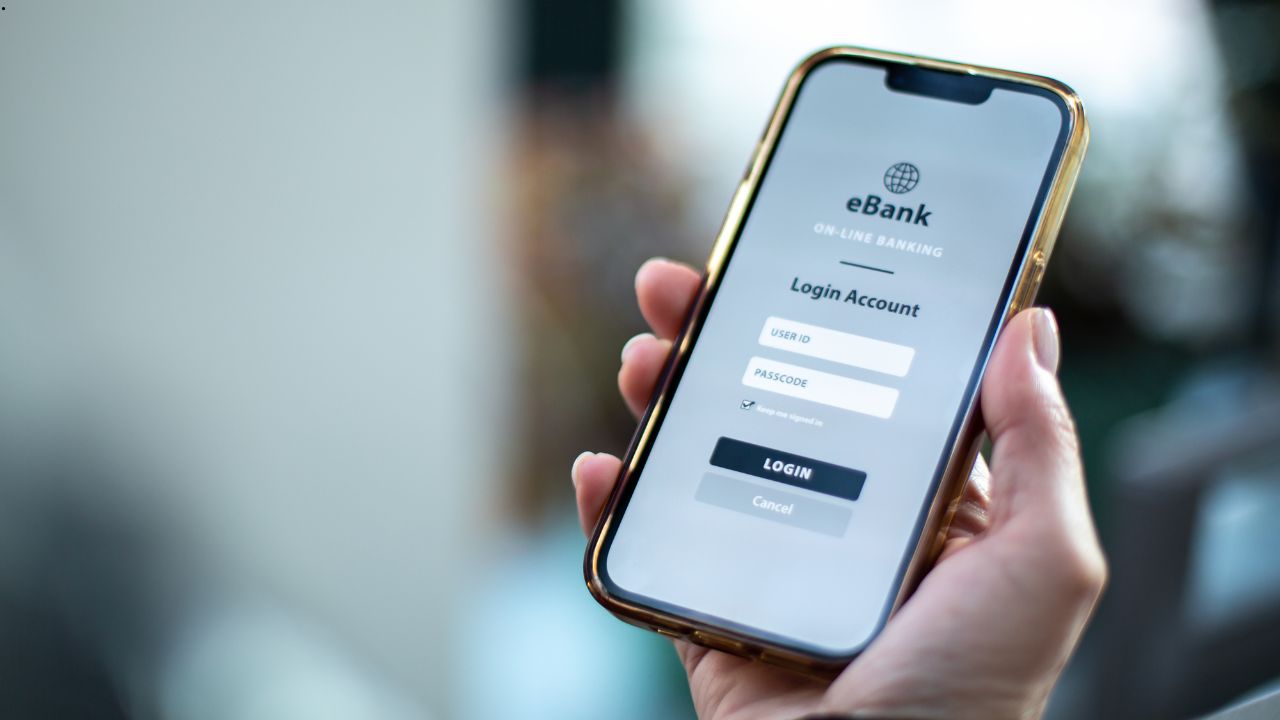
Managing your money should be simple. With OnPoint Credit Union, you can check balances, pay bills, and move funds — all from your phone or computer. But if you are new to digital banking, the login process can feel confusing at first. This guide walks you through everything step by step, so you can get in without any trouble.
What Is OnPoint Digital Banking?
OnPoint Community Credit Union offers an online banking platform called Digital Banking. It lets members access their accounts anytime, day or night. You do not need to visit a branch for most tasks. Instead, you can do it all from home.
Through Digital Banking, you can:
- Check your account balances and recent transactions
- Transfer money between your OnPoint accounts
- Pay bills online
- View and download statements
- Manage your debit and credit cards
The platform works on any browser. There is also a mobile app for iOS and Android. So whether you are on a laptop or a phone, the experience is smooth and easy to use.
How to Log In to Your OnPoint Account
The OnPoint Login process is straightforward. Follow these steps and you will be inside your account in less than a minute.
Step 1: Open a web browser and go to onpointcu.com
Step 2: Look for the Digital Banking login box on the homepage. It is usually at the top right of the page.
Step 3: Type in your Login ID. This is not the same as your member number. More on that below.
Step 4: Enter your password and click the Login button.
Step 5: If you are signing in from a new device, OnPoint will send a Secure Access Code (SAC) to your phone number or email address. Enter that code when asked.
Step 6: Once you pass verification, you land on your dashboard. From there, you can view all accounts, make transfers, pay bills, and more.
That is it. The whole process takes just a couple of minutes, even on the first try.
OnPoint Login ID vs. Member Number — What Is the Difference?
This is one of the most common points of confusion for new users. Many people try to sign in with their member number and then wonder why it does not work.
Here is the simple truth: your Login ID and your member number are two different things.
Your member number is assigned when you first join OnPoint. You can find it on your debit card or account statements, and it never changes. Just like other credit unions, membership comes with its own set of perks — if you’re exploring options, check out the credit union membership benefits available elsewhere too.
Your Login ID, on the other hand, is a custom username. You create it yourself when you enroll in Digital Banking. It can be a word, a phrase, or a combination of letters and numbers — whatever you choose. Because you pick it yourself, it is usually something easy for you to remember.
So if you sit down to log in and nothing works, check first that you are using your Login ID. Then double-check your password. Most login issues come down to one of those two things.
Using the OnPoint Mobile App
If you prefer banking on your phone, the OnPoint Mobile app is a solid choice. It covers nearly all the same features as the desktop version and is quick to navigate. These apps go through careful mobile banking app development stages to make sure they are both secure and easy to use.
You can download it from the App Store on iPhone or from Google Play on Android. After you install it, sign in with the same Login ID and password you use on the website. The app also supports Face ID and Touch ID, so you do not have to type your password every time.
The mobile app is especially useful for:
- Depositing checks by taking a photo
- Getting quick balance updates on the go
- Receiving push notifications for account activity
- Sending money to other members
Furthermore, if you lose your card, you can freeze it right from the app. That alone makes it worth having on your phone.
What to Do If You Cannot Log In
Sometimes things go wrong. Therefore, it helps to know what to do when the login does not work.
Forgot your Login ID? Click the “Forgot Login ID” link on the login page. You will need to verify your identity using your account details.
Forgot your password? There is a “Forgot Password” link right below the password field. Follow the steps and you can reset it in a few minutes.
Locked out of your account? After too many wrong password attempts, OnPoint may lock your account for security reasons. In that case, call OnPoint member support directly. They can unlock it after verifying who you are.
Not getting your Secure Access Code? First, check that your phone number and email on file are current. If they are outdated, you may need to visit a branch or call support to update them before you can receive the code.
In most cases, these problems are easy to fix. OnPoint’s member support team is helpful and responsive, so do not hesitate to reach out.
How to Enroll in Digital Banking for the First Time
If you are a new member and have not set up online access yet, enrollment is quick. Here is how to do it:
Go to OnPoint Login | OnPointCU | OnPoint Community Credit Union and look for the “Enroll” or “First Time User” option near the login box. You will be asked to provide your member number and some personal details to verify your identity. After that, you create your Login ID and password. Once enrollment is complete, you can sign in right away.
The whole setup takes about five to ten minutes. After that, you have full access to your account online.
Tips for Keeping Your Account Secure
Security matters. Since your bank account holds sensitive financial information, it is worth taking a few simple steps to protect it.
- Use a strong password that mixes letters, numbers, and symbols
- Do not share your Login ID or password with anyone
- Always log out when using a shared or public computer
- Turn on account alerts so you get notified of any unusual activity
- Enable Face ID or Touch ID on your mobile app for faster and safer access
Additionally, OnPoint uses encryption and multi-factor authentication to protect your data. So even on your end, a little care goes a long way.
Final Thoughts
Getting into your OnPoint account is simple once you know the steps. Remember that your Login ID is not your member number — that is the most important thing to keep in mind. Beyond that, the process is quick, the app is reliable, and help is always available if you need it.
Whether you are paying bills, checking your balance, or depositing a check from your couch, OnPoint Login | OnPointCU | OnPoint Community Credit Union makes it easy to manage your money on your own terms.