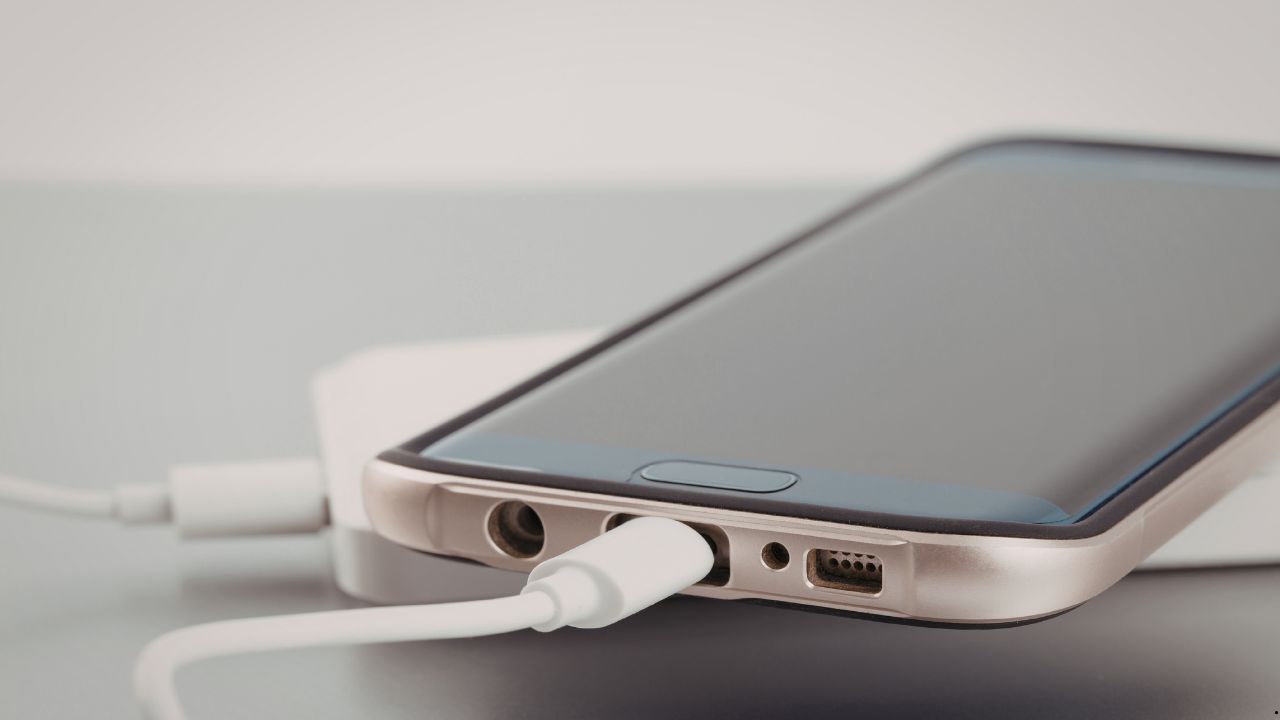
Waking up to a phone that hasn’t charged a single percentage point is a total nightmare that disrupts your entire day. In 2026, our devices are faster and smarter, but they are also more delicate than ever before. We rely on them for everything from morning alarms to critical work communications, so when the battery stays at zero despite being plugged in all night, it feels like hitting a digital wall. While many people assume it’s just a broken cable or a cheap wall adapter, the reality in 2026 often involves complex internal hardware issues. If your device is acting up, getting a professional phone repair in Sacramento is usually the only way to find out what is truly happening under the hood. At Hot Tech Repair, we specialize in these deep-level power issues that simple software resets just cannot fix.
Table of Contents
Section 1: The Invisible Logic of Power Path Failure
In the world of 2026 smartphone technology, the way electricity moves through your device is controlled by a “gatekeeper” known as the Power Management Integrated Circuit (PMIC). This tiny chip is the actual brain of the charging process, sitting between your charging port and the battery cell itself.
Power Path Failure occurs when this chip or the complex circuits surrounding it become damaged or degraded. Because 2026 devices use ultra-fast charging protocols that push massive amounts of current, the PMIC generates significant internal heat. Over months of heavy use, this thermal stress causes the microscopic solder balls holding the chip to the motherboard to expand and contract. Eventually, they crack or “cold solder,” breaking the connection. This is why a phone might show the charging lightning bolt icon but never actually increase in battery percentage—the “path” for the electricity to reach the battery is physically broken at the board level.
Section 2: Port Fatigue and Mechanical Breakdown
Even with wireless charging becoming a standard feature, the physical charging station port remains the primary way most people juice up their devices. However, these ports are under constant mechanical stress every single day. We call this “Port Fatigue,” and it is a leading reason for customers seeking professional phone repair in Sacramento.
- Pin Wear and Alignment: The tiny copper pins inside a USB-C or Lightning port are designed for thousands of cycles, but they are not invincible. Frequent plugging and unplugging can bend these pins or wear down their conductive coating.
- Compression of Pocket Debris: Every time you slide your phone into your pocket, tiny bits of lint and dust find their way into the port. Each time you plug in your cable, you pack that debris down further. Eventually, it forms a hard, compressed wall that prevents the cable from clicking into place, leading to a loose connection.
- Micro-Electrochemical Corrosion: Even if your phone is rated for water resistance, the charging port is still an exposed electrical component. Humidity, sweat, or even damp pockets can cause microscopic rust to form on the pins. This corrosion creates a thin layer of insulation that blocks the flow of electricity entirely.
Section 3: The Role of Firmware and AI Conflicts
Not every charging issue in 2026 is caused by a physical break. By this year, AI-driven power management software has become a double-edged sword for many users. Modern operating systems are designed to protect the battery at all costs, sometimes leading to “false positive” failures.
Your phone performs a complex “digital handshake” with the charger to ensure the voltage is safe and stable. If the firmware detects even a tiny fluctuation—which is common with aging wall blocks or uncertified cables—it will intentionally block the charge to save the motherboard from a potential short circuit. Furthermore, new 2026 “AI Battery Health” features are programmed to pause charging at 80% to preserve the chemical life of the battery. If this software glitches or misinterprets your sleep schedule, it may stop the charge entirely at 2:00 AM, leaving you with a dead phone by sunrise.
Section 4: Practical Advice and Expert Solutions
If you have already tried three different high-quality cables and your phone still refuses to charge, the problem is almost certainly internal. Many users try to clean their ports with metal needles or toothpicks, but this is a dangerous move. Shoving a conductive metal tool into a live charging port can easily short out the pins, turning a simple cleaning job into a $400 motherboard disaster.
Professional technicians use advanced tools like thermal imaging cameras to see exactly where heat is escaping the board and digital multimeters to trace the flow of electricity. We can identify if the issue is a simple port replacement or a complex PMIC “reballing” procedure. If you are struggling with a device that won’t hold a charge or keep a connection, you can see how our experts handle these high-level repairs by visiting phone repair in Sacramento. Don’t let a faulty port or a tired power chip keep you disconnected from your cell phone number or your world.
.
FAQs
A: Only if the issue is a firmware bug related to the “handshake” protocol. If the port is physically loose or the internal pins are corroded, no amount of software updates will fix the physical gap in the electrical connection.
A: This is a classic sign of Port Fatigue. Either the internal pins are bent, or the solder joints connecting the port housing to the logic board have snapped due to physical pressure.
A: While it avoids “Port Fatigue,” wireless charging generates significantly more internal heat than a cable. In 2026, the best habit is to use a high-quality wired cable for daily charging and reserve wireless for emergencies.
Disclaimer: The information provided in this blog is for educational purposes only. Modern smartphones contain high-density lithium batteries that can pose a fire risk if punctured or improperly handled. Always consult a certified professional for any hardware-related repairs