
Remember the last time you met someone interesting at a coffee shop or business event? You probably pulled out your phone and typed their number in manually. Or maybe you handed them a business card that they’ll likely lose in their wallet.
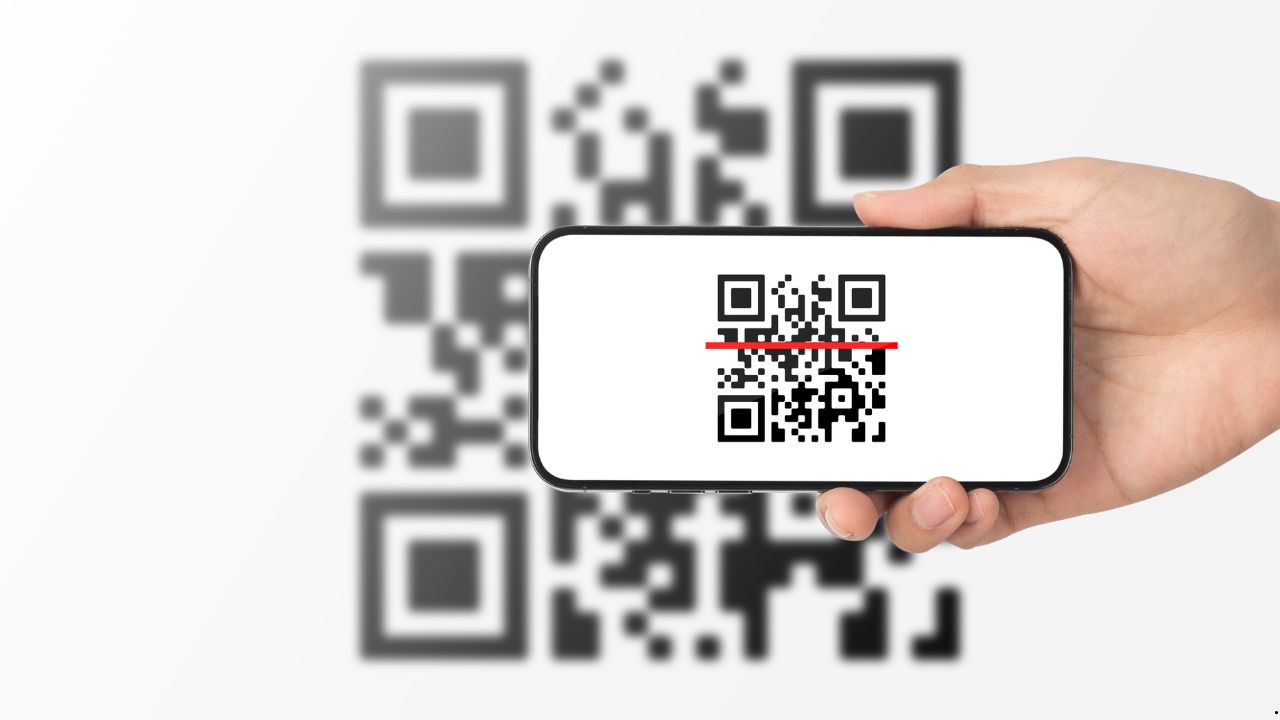
There’s a better way now. You can put all your contact details into a simple QR code. People just scan it with their phone camera, and boom – they have everything they need to reach you.
What Exactly Is a vCard QR Code?
Think of it as a digital business card that lives in a square barcode. When someone scans it, your phone number, email, website, and social media links pop up on their screen. They can save it all to their contacts with one tap.
No more spelling out your email address letter by letter. No more “Is that with one N or two?” moments. Just scan and save.
You can create one using a Free vCard QR Code Generator in minutes. The process is super straightforward, even if you’re not tech-savvy.
Why Should You Use One?
Let’s be honest – paper business cards are kind of outdated. They get crumpled, tossed, or forgotten in jacket pockets. Half the time, people can’t read the tiny print anyway.
Here’s what makes QR codes better:
You can update your information anytime. Changed jobs? New phone number? Just create a new code. With printed cards, you’re stuck with old information until you order new ones.
They work anywhere. At networking events, trade shows, or even casual meetups. Someone pulls out their phone, scans your code, and you’re connected.
You save money. No printing costs. No designer fees. Just you and a free tool online like Free-qr.com.
People actually use them. Everyone is familiar with QR code scanning, especially after using it for menus, Wi-Fi sharing, and everyday mobile tasks. It’s become second nature since restaurants started using them for menus.
What Information Can You Include?
You’re not limited to just your name and number. A good vCard QR code holds way more than that.
Your full name and job title go in first. Then add your company name if you want. Include multiple phone numbers – work, mobile, whatever you need.
Email addresses are essential. You can add a personal one and a work one. Website links work great too. Direct people to your portfolio, LinkedIn, or company site.
Physical addresses are useful for businesses. Add your office location or storefront address. People can find you easily.
Social media handles help people connect with you on different platforms. Instagram, Twitter, Facebook – put them all in.
Some generators even let you add a small profile photo. It helps people remember who you are when they scroll through their contacts later.
How Do You Make One?
The process takes about three minutes from start to finish. Here’s how it works.
First, find a Free vCard QR Code Generator online. There are several good options out there that won’t cost you anything.
Fill in your details. Type your name, phone number, email, and whatever else you want to share. Most generators have a simple form to fill out.
Customize if you want. Some tools let you change the colors or add a logo. This step is optional but can make your code look more professional.
Download your QR code. Save it as an image file. PNG or JPG works fine.
The whole thing is done before your coffee gets cold.
Where Can You Use Your QR Code?
Once you have your code, the possibilities are endless, and modern QR code uses now extend beyond networking into areas like consumer convenience and product packaging. You can put it almost anywhere.
Email signatures are perfect spots. People see it every time you send a message. They can save your info without asking for it.
Social media profiles work great too. Add it to your Instagram bio, LinkedIn about section, or Twitter profile. Followers can reach you easily.
Print it on actual business cards if you still use them. This gives people options – they can keep the card or scan the code.
Wear it at events. Some people print QR codes on name tags or conference badges. Smart move for networking.
Put it on marketing materials. Flyers, posters, brochures – anywhere you want people to contact you.
Add it to your website. Put it in your contact page or footer. Visitors can save your details quickly.
Stick it on your storefront window. Customers walking by can grab your contact info even when you’re closed.
Tips for Making a Good QR Code
Not all QR codes work equally well. Here’s what makes the difference.
Keep it simple. Don’t cram every possible detail in there. Include what matters most. Too much information makes the code complex and harder to scan.
Test it before sharing. Scan your own code with different phones. Make sure it works smoothly. Fix any issues now rather than later.
Make it big enough. If you’re printing it, don’t make it tiny. People need to be able to scan it easily from arm’s length.
Use good contrast. Black on white works best. Fancy color combinations might look cool but can be hard to scan.
Put it somewhere visible. Don’t hide your QR code in the corner of a page. Make it obvious and easy to find.
Update it regularly. Check your information every few months. Make sure everything is still current.
Privacy Matters
You control what goes in your QR code. Think about what you’re comfortable sharing publicly.
Maybe you don’t want your personal cell number out there. Use a work number instead. Or set up a Google Voice number specifically for networking.
Same with email addresses. You might prefer a professional email over your personal one. That’s totally fine.
You don’t have to include everything. Pick what makes sense for your situation. A freelancer might share different info than a corporate employee.
Using Free-qr.com or similar tools gives you control. You decide what information goes in and what stays private.
The Bottom Line
Sharing your contact information doesn’t have to be complicated anymore. A simple QR code does the job better than old methods.
You can make one for free in minutes. You can update it whenever you need to. You can use it everywhere – online and offline.
People find it easier to scan a code than to manually type information. You look modern and tech-savvy. Everyone wins.
Whether you’re growing your business, building your network, or just want an easier way to stay connected, a vCard QR code makes sense. Try a Free vCard QR Code Generator today and see how much simpler networking becomes.
Stop fumbling with business cards. Stop spelling out your email. Just show your code and move on with your conversation. That’s the way contact sharing should work.