
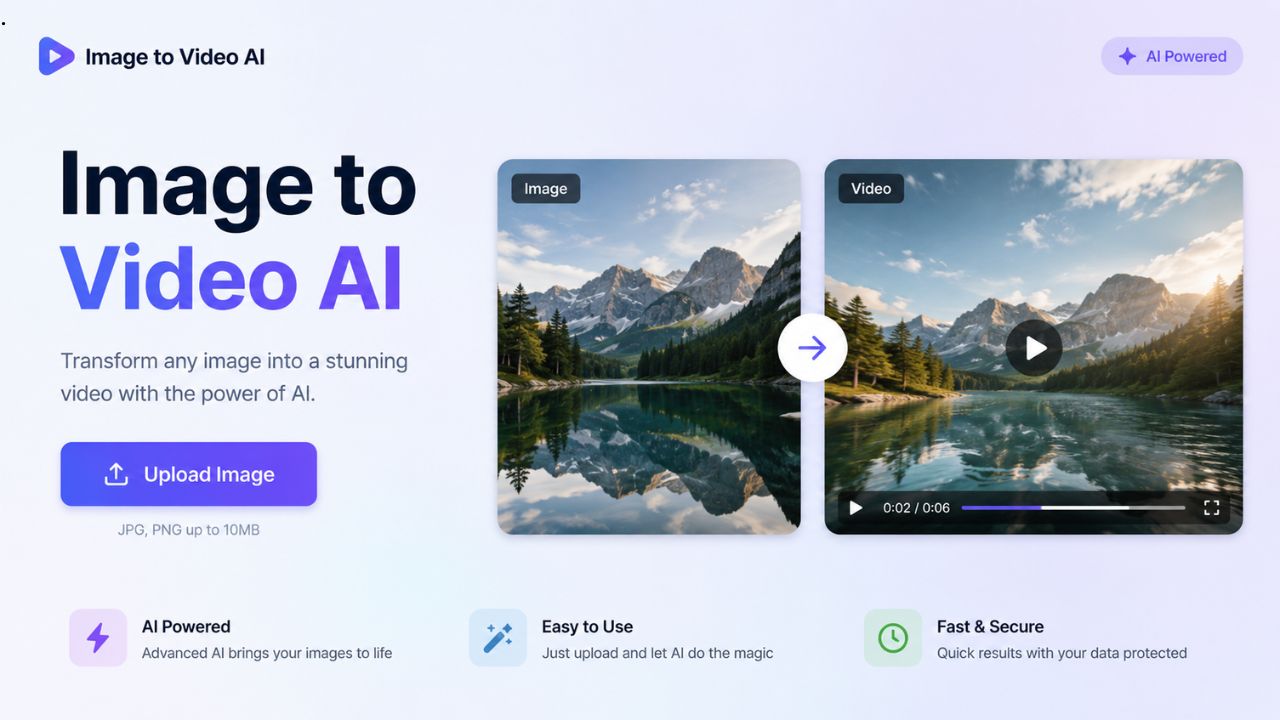
If you have a folder full of product photos, blog graphics, or marketing images that only ever appear on a single page or post, you are leaving a significant amount of content potential untapped. Static images are useful, but they do not travel well across platforms. They do not perform in social feeds the way video does, they do not get indexed by YouTube, and they do not hold attention the way motion content does. The good news is that turning those existing images into video no longer requires a production team, a video editor, or even significant technical skills. AI-powered image to video tools have made the conversion fast, affordable, and accessible to anyone who can upload a file and write a short description.
This guide explains how these tools work, what they are best used for, and how to choose the right approach for your content goals.
How Image to Video AI Works
The core process is simpler than most people expect. You provide a static image — a product photo, an illustration, a graphic, a landscape photograph — and the AI generates a video clip from it. The model adds motion: camera movement, environmental animation, atmospheric effects, or subtle subject motion depending on the style you select. The output is a video file that can be shared directly on social media, embedded in a blog post, uploaded to YouTube, or used as a component in a longer video production.
The quality of modern image to video AI is substantially better than earlier generations of the technology. Current tools produce smooth, natural-looking motion that feels intentional rather than mechanical. Objects in the scene move in physically plausible ways. Lighting and atmosphere are maintained consistently throughout the clip. For most practical use cases — social media content, product promotion, website backgrounds, and marketing materials — the output is professional enough to publish without additional editing.
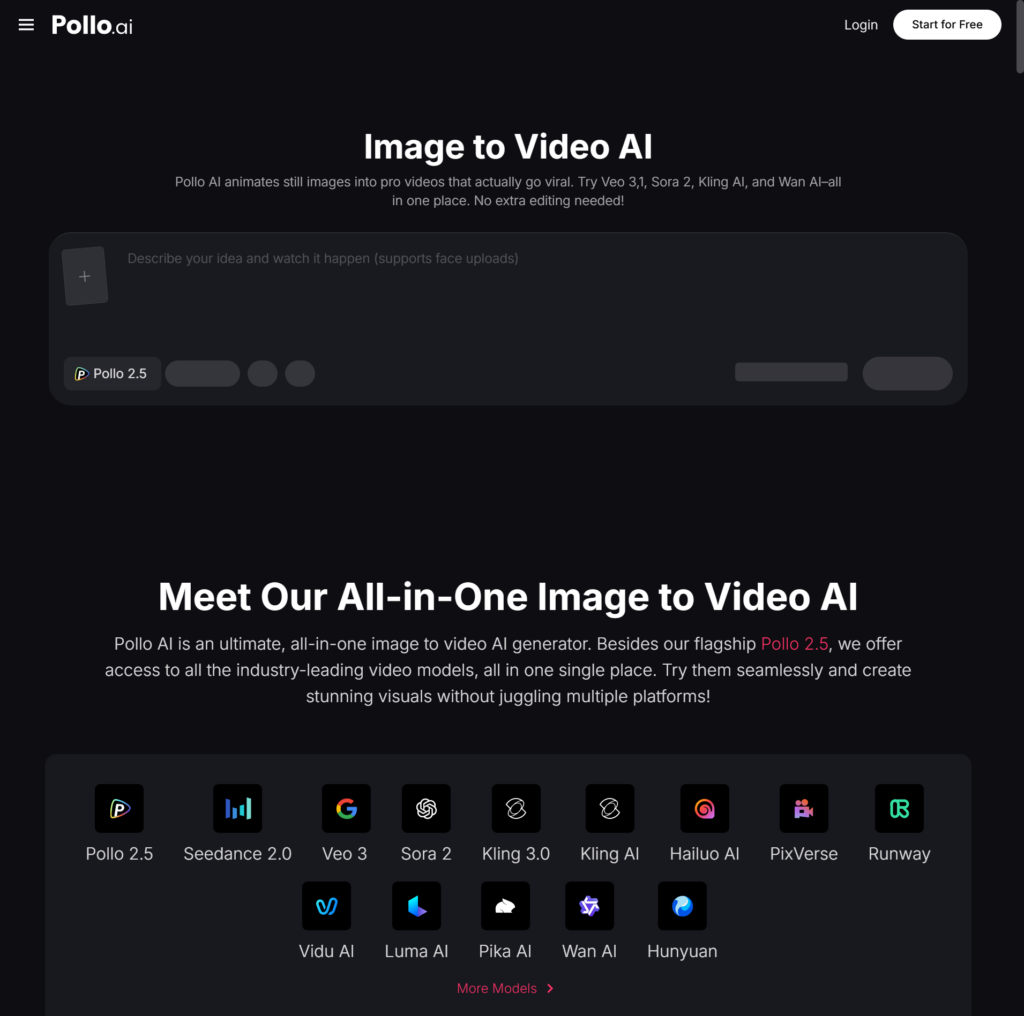
The image to video tool on Pollo AI handles this conversion within a workflow designed for content creators and marketing teams. You upload your image, select your preferred motion style and duration, and generate. Pollo AI processes the transformation and delivers a ready-to-use video file. For creators who need to convert multiple images in a session — building out a content batch for the week, for example — the process is fast enough to make that realistic without dedicating an entire day to video production. Pollo AI’s platform is built around the practical constraints of small teams and individual creators who need consistent output without a large time investment per asset.
Where Image to Video AI Delivers the Most Value
Understanding which use cases benefit most from this technology helps you prioritize where to apply it in your content operation.
E-commerce and product marketing is the highest-return application for most businesses. Product pages with video content consistently convert at higher rates than pages with only static images, and animated product clips in social feeds stop scrolling in a way that still images rarely achieve. For brands with large product catalogues, converting existing product photography into video is far more efficient than commissioning new video shoots — the photography work is already done.
Social media content volume is another major driver. Maintaining a meaningful presence on Instagram Reels, TikTok, YouTube Shorts, and Pinterest video requires a steady flow of new video content. Producing that volume through traditional filming and editing is unsustainable for most small teams. Image to video AI makes it possible to produce multiple platform-ready videos from a single image set in one session, which changes the volume equation significantly.
Blog and website engagement improves measurably when pages include video. Visitors spend more time on pages with embedded video, which reduces bounce rate and sends positive engagement signals to search engines. Turning your existing blog featured images or infographics into short animated clips and embedding them in your key posts is one of the lower-effort ways to improve page performance without rewriting content.
Presentation and pitch materials benefit from video when they need to communicate something that a still image undersells — a product in action, a before-and-after transformation, an environmental setting that requires motion to feel real. Converting relevant images into short video clips for use in presentations adds a visual dimension that static slides do not achieve.
Cinematic Quality for Brand-Level Video Production
Standard image to video conversion works well for the majority of content marketing use cases. When the quality bar is higher — brand campaign content, hero video for a product launch, high-production social content for a premium brand — the requirements shift toward cinematic output that can stand up to professional scrutiny.
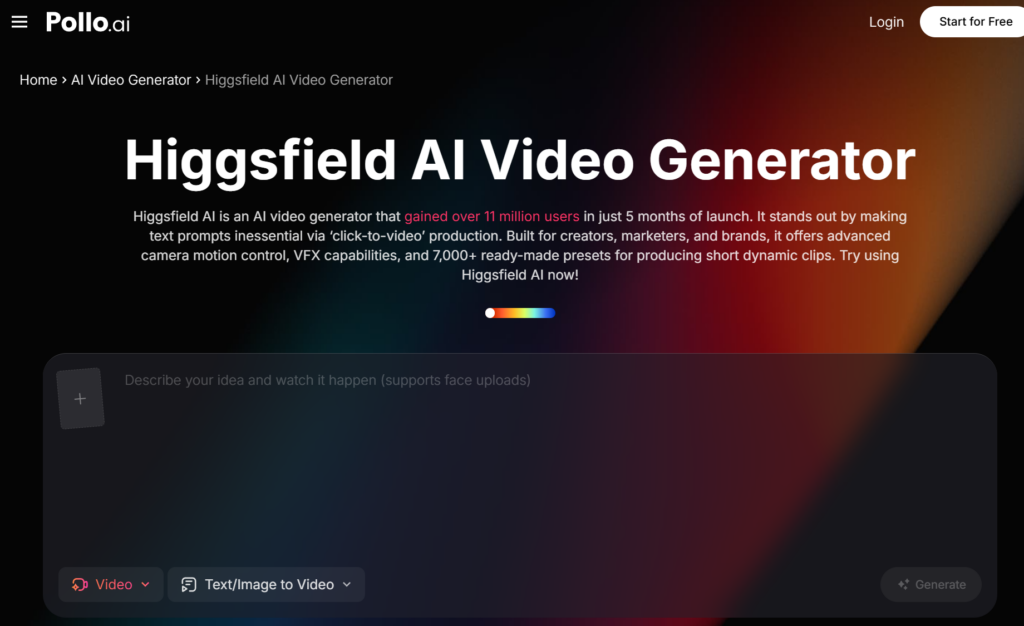
This is where the distinction between tools becomes practically meaningful. Higgsfield AI, also accessible through Pollo AI, is designed specifically for the higher end of the quality spectrum. It generates cinematic video with physically accurate motion, film-grade lighting, and a visual register that matches the output of professional video production. For brands where visual quality is a direct signal of brand positioning — luxury products, premium services, high-end consumer goods — Higgsfield AI produces content that maintains the brand’s quality standards rather than signaling a cost-cutting compromise. Pollo AI providing access to both tools allows content teams to match the right quality level to each project: standard image to video conversion for volume content, Higgsfield AI for brand-critical productions.
Practical Tips for Getting Better Results
A few consistent practices separate creators who get strong, usable output from image to video AI from those who spend a lot of time iterating without clear improvement.
Start with your best-quality images. AI video generation does not fix poor source material. Blurry, poorly lit, or low-resolution images produce blurry, poorly lit video. High-quality photography with good composition and lighting produces correspondingly better video output. If you are choosing which images to convert, prioritize your strongest visual assets.
Match the motion style to the content type. Most image to video tools offer a range of motion styles — some emphasizing slow, atmospheric camera movement, others producing more dynamic motion effects. Atmospheric, slow motion suits lifestyle and brand imagery; more energetic motion suits product demos and promotional content. Choosing the right motion style for the content type produces output that feels purposeful rather than randomly animated.
Keep clips short for social use. The optimal length for image to video clips in social media contexts is typically 5 to 15 seconds. Short enough to loop naturally, long enough to establish the visual. Trying to stretch a single image into a 30-second clip usually results in pacing that feels slow. Generate short clips and loop or sequence them in post if you need longer content.
Test multiple motion variations. Most tools allow you to generate multiple versions of the same source image with different motion parameters. Generating two or three variations and selecting the strongest one takes only a few additional minutes and consistently produces better final output than accepting the first generation.
Format specifically for each platform. A 16:9 horizontal clip is not optimal for TikTok or Instagram Stories, where vertical 9:16 performs better. A square format works well for LinkedIn and Facebook feed posts. If your tool supports multiple aspect ratio exports, generate the right format for each platform rather than cropping after the fact — cropping almost always loses something in the composition.
Building Image to Video Into a Regular Content Workflow
The creators and marketing teams who extract the most value from image to video AI are those who have built it into a regular production cycle rather than using it occasionally when inspiration strikes.
A practical weekly workflow looks like this: set aside one session per week specifically for converting existing visual assets into video content. Review your recent photography, graphics, and illustrations. Identify the images with the strongest standalone visual appeal. Batch-generate video versions using Pollo AI, review and select the best outputs, format for each target platform, and schedule distribution. The entire session should take 60 to 90 minutes for a week’s worth of social video content — a fraction of what traditional video production would require for the same volume.
Over time, this consistent approach builds a video content library that compounds in value. Each new post adds to your brand’s video presence on social platforms, contributes to algorithmic momentum on YouTube and Pinterest, and builds the audience familiarity that drives engagement on future content. The investment per piece of content stays constant; the returns grow as the library grows.
The images you have already produced are the starting point. The tools to extend them into video are accessible, the workflow is learnable in a single session, and the content distribution advantages of video over static images make the conversion worth building into your regular process.