
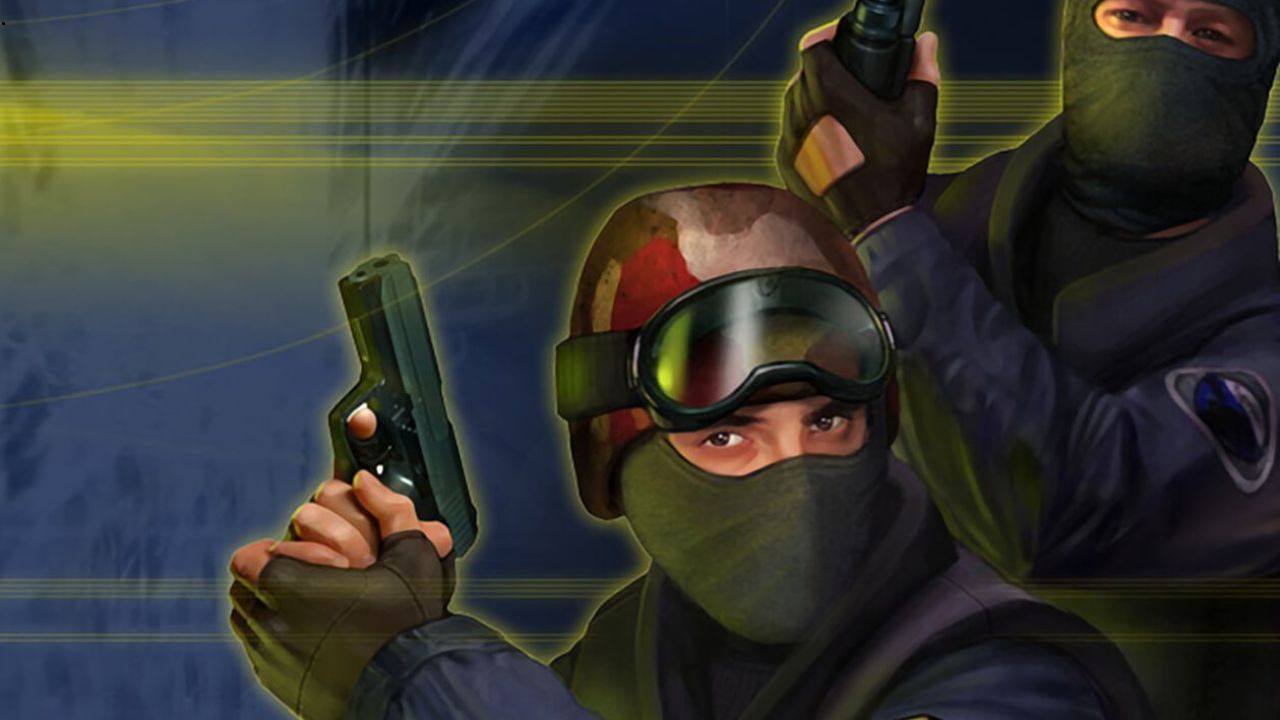
Counter-Strike 1.6 came out in 2003. Yet today, in 2026, people are still downloading it, still playing it, and still arguing about headshot mechanics in forum threads. That’s not nostalgia talking. That’s a game that genuinely holds up — and one that runs on hardware most people already own.
So why does cs 1.6 keep pulling people back in? And more importantly, how do you get it running clean on a modern Windows machine without losing your mind? Let’s talk about both.
The Game That Refuses to Die
CS 1.6 was never a pretty game, but it had something most shooters still struggle to nail. If you’re wondering why it’s still worth playing, the answer starts with its gameplay — tight, readable, and fair. You always knew why you died. The skill ceiling was high enough that you could improve for years without plateauing.
That simplicity is also what makes it so easy to run. The game doesn’t need a dedicated GPU. It doesn’t need 16GB of RAM. In fact, it runs on machines that most modern software would laugh at. So even if you’re on an older laptop or a budget build, you can still play it at a solid frame rate.
However, “easy to run” doesn’t always mean “easy to set up.” Modern Windows versions — especially Windows 10 and 11 — don’t always play nicely with older game clients straight out of the box.
Getting CS 1.6 to Work on Modern Windows
This is where a lot of players run into trouble. You download the game, launch it, and suddenly you’re dealing with resolution issues, audio bugs, or a screen that looks like it was designed for a 4:3 monitor from 2001.
The good news is that most of these problems have clean fixes. And if you want a reliable place to start, cs16.me is one of the better resources for getting a working, clean build of the game. It covers the setup process clearly, so you’re not hunting through random forums for answers.
Here are a few common issues and how to fix them:
- Resolution and aspect ratio: CS 1.6 defaults to 640×480 in many cases. You can force it to run at your native resolution by editing the launch options. Add
-w 1920 -h 1080(or whatever your screen resolution is) to the shortcut properties. - Frame rate cap: By default, the game limits your FPS. To remove the cap, type
fps_max 0in the console. This helps a lot on modern monitors with high refresh rates. - Audio crackling: This often happens because Windows 11 uses different audio drivers. Try setting your sound quality to 44100Hz in the Windows audio settings, and use the
-wavonlylaunch parameter.
These tweaks take five minutes. After that, the game runs just like it did back in the day — or better, honestly.
Why Older Games Deserve More Attention
There’s a tendency in gaming to move on fast. A new title drops, everyone plays it for a month, then something else comes along. CS 1.6 never followed that cycle, and that’s worth thinking about.
Part of it is the community. The servers are still up. People are still modding it. Moreover, there are entire competitive scenes in parts of Eastern Europe, South America, and South Asia where CS 1.6 never really went away. It just kept going quietly while everyone else moved to newer games.
But there’s also something to be said for the design itself. The game is balanced in a way that feels intentional. The economy system, the map design, the movement — none of it feels accidental. As a result, every match feels like it has stakes. Even a casual server game can turn competitive fast.
Running It on Low-End Hardware
One of the best things about CS 1.6 is that it scales down really well. If you’re running a PC without a dedicated GPU, or you’re using an older machine with an integrated graphics chip, you can still get playable performance.
Here are a few things that help:
- Lower your texture quality to medium or low in the game’s video settings
- Turn off shadows entirely — they eat performance and don’t add much in this game
- Set your max FPS to match your monitor’s refresh rate once you’ve unlocked it
Even on integrated graphics, you should be able to hold 60+ FPS on most maps. That’s plenty for a game where the mechanics matter more than the visuals.
The Setup Is Easier Than You Think
A lot of people assume that getting an older game running on a modern system is a complicated process. In reality, cs 1.6 is one of the simpler cases. The game’s low system requirements mean there’s not much that can go wrong at the hardware level. Most issues come down to software settings, and those are fixable.
If you hit a wall, https://cs16.me is a solid starting point. It gives you a clean version of the game and walks you through the basic setup without overwhelming you with technical jargon.
One More Reason to Go Back
There’s a real argument that CS 1.6 is better for learning fundamentals than newer games. The graphics are simple enough that you’re not distracted. The movement and aim mechanics are pure. You don’t have abilities, gadgets, or special powers getting in the way.
Consequently, a lot of players use it as a way to practice the basics before jumping into CS2 or Valorant. And even if you’re not using it as training, it’s just a fun game that doesn’t ask much of you or your PC.
Therefore, whether you’re reinstalling it for the first time in years or setting it up fresh, don’t overthink it. The game is small, the fixes are quick, and the servers are still full. You can be in a match within the hour.
Sometimes the old stuff really is worth keeping around — especially when it still works this well.