
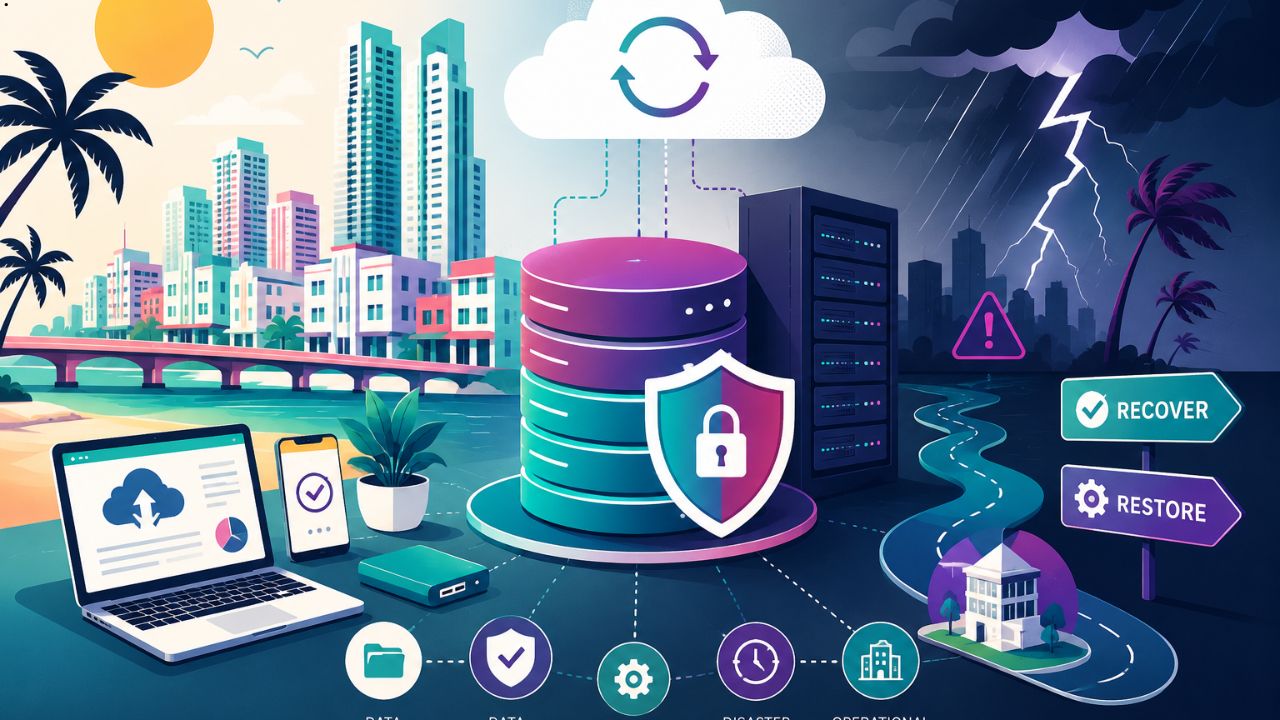
In today’s digital world, businesses depend on technology more than ever before. Customer records, financial information, employee data, and operational systems are all stored electronically. While this improves efficiency, it also creates risks. Hardware failures, cyberattacks, natural disasters, and accidental data deletion can interrupt business operations within minutes.
For businesses in Miami, preparing for these unexpected events is especially important. The region faces unique challenges such as hurricanes, flooding, and severe weather, making reliable data backup and disaster recovery planning essential. Companies that invest in these strategies can reduce downtime, protect valuable information, and recover quickly after disruptions.
Understanding Data Backup
Data backup is the process of creating copies of important files, databases, and applications. These copies are stored in secure locations so they can be restored if the original data becomes unavailable.
Modern businesses often use multiple backup methods, including:
- Cloud backups
- External storage devices
- Network-attached storage (NAS)
- Offsite backup facilities
- Hybrid backup solutions
The primary goal is to ensure that no critical business information is permanently lost.
What Is Disaster Recovery?
Disaster recovery (DR) is a structured plan that helps organizations restore IT systems after unexpected events. While backups focus on protecting data, disaster recovery focuses on restoring business operations as quickly as possible.
A disaster recovery strategy typically includes:
- Recovery procedures
- Backup infrastructure
- Emergency communication plans
- System restoration priorities
- Regular testing and updates
Without a disaster recovery plan, businesses may struggle to resume operations after a major incident.
Why Miami Businesses Face Unique Risks
Miami’s location makes businesses vulnerable to several environmental and technological threats.
Hurricanes and Tropical Storms
Power outages, flooding, and physical damage can shut down offices for days or even weeks.
Cybersecurity Threats
Ransomware attacks continue to increase across businesses of all sizes. Criminals often encrypt company data and demand payment before restoring access.
Hardware Failure
Servers, storage devices, and networking equipment eventually fail. Without backups, valuable business data can disappear permanently.
Human Error
Employees accidentally deleting files or overwriting important documents remains one of the most common causes of data loss.
These risks demonstrate why Business IT Services Miami often emphasize backup planning as a core component of business continuity.
Benefits of Reliable Data Backup
Protects Critical Business Information
Customer databases, invoices, contracts, emails, and accounting records represent years of work. Regular backups ensure these assets remain protected.
Reduces Downtime
When data can be restored quickly, employees spend less time waiting for systems to return online.
Improves Customer Trust
Customers expect businesses to safeguard their information. Reliable backup systems demonstrate responsible data management.
Supports Legal Compliance
Many industries must maintain secure records and protect sensitive information to meet regulatory requirements. For example, healthcare organizations handling patient information should follow HIPAA requirements for protecting electronic health records, while financial firms may need to comply with FINRA regulations regarding record retention and business continuity.
A well-designed backup and disaster recovery strategy helps organizations maintain compliance, reduce legal risks, and preserve critical business information during unexpected disruptions.
Enables Faster Recovery
Instead of rebuilding systems from scratch, businesses can restore previous versions and resume operations much sooner.
The Importance of Disaster Recovery Planning
Many organizations mistakenly believe backups alone are enough. However, without a recovery strategy, restoring systems can take days or even weeks.
A disaster recovery plan helps businesses:
- Identify critical applications
- Prioritize system restoration
- Reduce operational downtime
- Maintain customer service
- Minimize financial losses
Prepared businesses recover significantly faster than those without documented recovery procedures.
Cloud Backup vs. Local Backup
Both backup methods offer advantages.
Cloud Backup
Cloud storage allows businesses to store encrypted copies of their data in secure remote data centers.
Advantages include:
- Automatic backups
- Remote accessibility
- Geographic redundancy
- Scalable storage
- Reduced hardware maintenance
Local Backup
Local backups store data on physical devices located within the business.
Benefits include:
- Faster recovery speeds
- Immediate access
- No dependence on internet connectivity
Many organizations combine both approaches using a hybrid backup strategy for maximum protection.
Cybersecurity and Backup Work Together
Data backup is only one component of a comprehensive business continuity strategy. Modern organizations should combine secure backup systems with strong cybersecurity controls to reduce the likelihood of data breaches and operational downtime.
Leading technology companies such as Microsoft, Google, Cisco, IBM, AWS, and Cloudflare have introduced security technologies that support encrypted storage, identity management, secure networking, cloud infrastructure, threat detection, and DDoS protection. These technologies have influenced industry best practices used by organizations worldwide.
In addition, guidance published by NIST and CISA recommends implementing multi-factor authentication, regular software updates, endpoint protection, continuous monitoring, incident response planning, and periodic backup testing. Together, these practices help businesses recover quickly while minimizing the impact of ransomware, phishing attacks, hardware failures, and accidental data loss.
Best Practices for Business Data Protection
Businesses can strengthen their resilience by following several best practices.
Perform Regular Automated Backups
Automation reduces the risk of missed backups and ensures data remains current.
Test Backup Restoration
Creating backups is only half the process. Businesses should regularly verify that files can actually be restored.
Encrypt Backup Data
Encryption protects sensitive information from unauthorized access during storage and transmission.
Follow the 3-2-1 Backup Rule
Many IT professionals recommend:
- Three copies of data
- Two different storage media
- One offsite backup
This approach significantly improves data protection.
Document Recovery Procedures
Employees should know exactly how to respond during emergencies.
Business Continuity Beyond Technology
Business continuity planning extends beyond IT systems.
Organizations should also prepare for:
- Employee communication
- Remote work capabilities
- Alternative office locations
- Vendor coordination
- Customer support continuity
These plans ensure operations continue even during extended disruptions.
The Financial Impact of Downtime
Every minute of downtime can result in lost revenue, reduced productivity, and damaged customer relationships.
Potential costs include:
- Missed sales
- Delayed projects
- Regulatory penalties
- Recovery expenses
- Reputation damage
Investing in backup and disaster recovery often costs far less than recovering from a major data loss event.
Emerging Trends in Data Backup and Disaster Recovery
Technology continues to improve backup and recovery capabilities.
Current trends include:
- Artificial intelligence for threat detection
- Immutable backup storage
- Continuous data protection (CDP)
- Disaster Recovery as a Service (DRaaS)
- Zero Trust security integration
- Cloud-native backup platforms
These innovations help businesses recover faster while strengthening cybersecurity.
Choosing the Right IT Strategy
Every business has unique requirements based on its size, industry, and regulatory obligations.
When evaluating backup and disaster recovery solutions, organizations should consider:
- Recovery time objectives (RTO)
- Recovery point objectives (RPO)
- Storage capacity
- Security features
- Compliance requirements
- Scalability
- Budget
Many organizations rely on experienced Business IT Services Miami providers to help assess risks, implement backup solutions, and develop disaster recovery strategies tailored to their operational needs.
Conclusion
Data loss can occur without warning, whether caused by cyberattacks, hardware failures, severe weather, or human mistakes. Businesses that prepare in advance are far better equipped to recover quickly and maintain customer confidence.
A strong combination of reliable data backups, comprehensive disaster recovery planning, cybersecurity practices, and regular testing creates a resilient business environment. For Miami businesses facing both digital and environmental risks, investing in these protective measures is not simply an IT decision, it is a critical component of long-term business continuity and operational success.
Frequently Asked Questions
What is the difference between data backup and disaster recovery?
Data backup creates copies of important information, while disaster recovery is the complete process of restoring IT systems and business operations after an unexpected event.
How often should businesses back up their data?
Most businesses perform daily automated backups, while organizations with frequently changing data may use hourly or continuous backup solutions.
Why is cloud backup important?
Cloud backup stores copies of business data in secure remote locations, protecting information even if local equipment is damaged or stolen.
Can backups protect against ransomware?
Yes. Clean, isolated, and regularly tested backups allow businesses to restore their systems without relying on encrypted data, reducing the impact of ransomware attacks.
What is the 3-2-1 backup rule?
The 3-2-1 rule recommends keeping three copies of data, storing them on two different types of media, and maintaining one copy in an offsite location to improve resilience against data loss.
As businesses become increasingly dependent on digital systems, resilience is no longer optional. Organizations that combine reliable backups, proactive disaster recovery planning, and strong cybersecurity practices are better prepared to protect operations, maintain customer confidence, and support long-term growth.