

After your team adopts rental software, the work is making sure each person leaves the next person enough information to act. Give every handoff an owner and a quick check.
1. Reconcile container records before promising availability
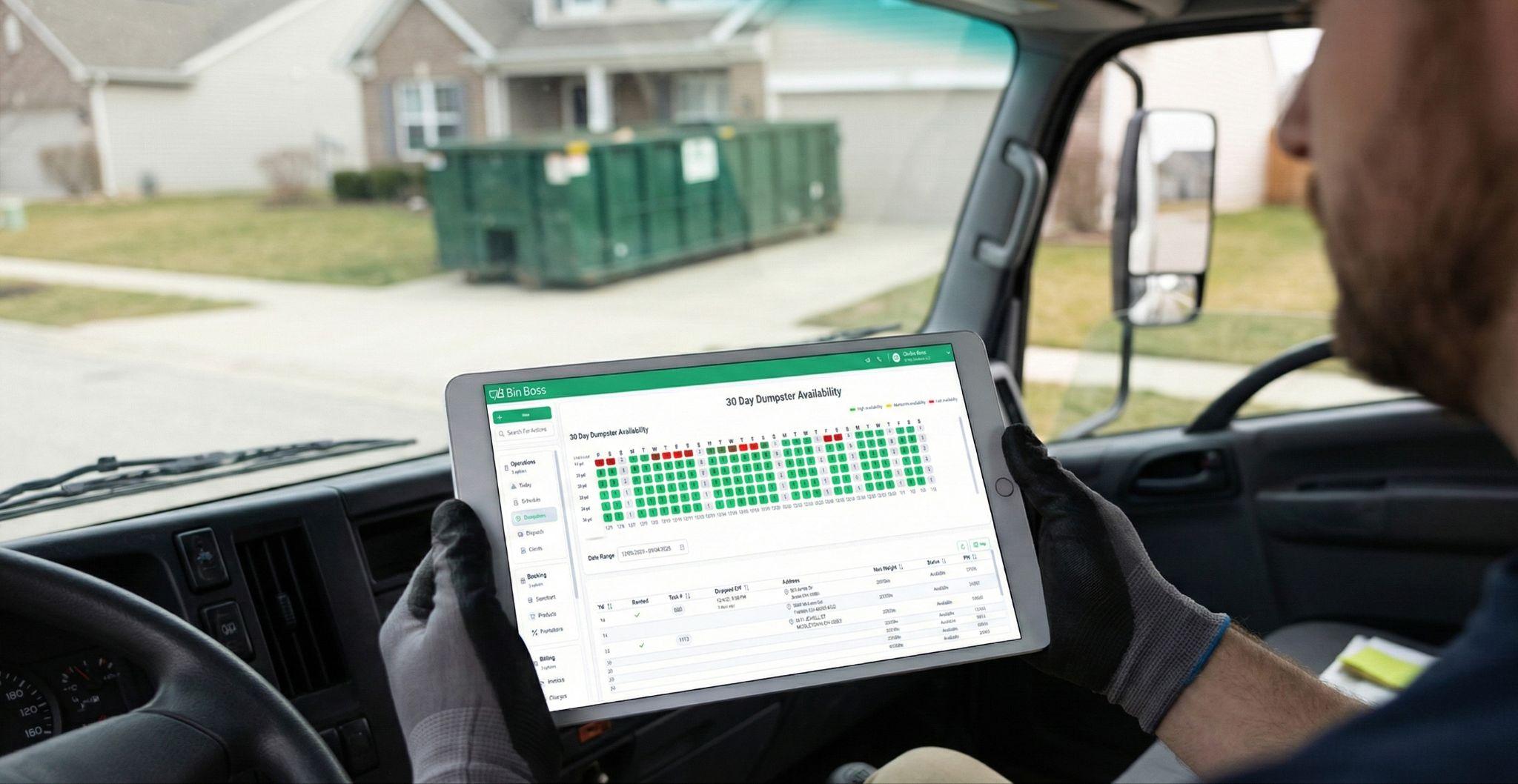
Use one ID, size and status per container, the same way a digital inventory app tracks stock. Ask drivers to confirm the ID at delivery and pickup. Have the yard lead check recorded lots and jobs against a few actual units each week. Set a clear rule for who takes damaged equipment out of service and who returns it after repair. Bin Boss container tracking organizes recorded placements, availability by size and storage lots. A recorded placement is not a live GPS signal from the dumpster.
2. Give the booking rules an owner
Put one person in charge of service areas, cutoffs, available sizes and blocked dates. Before a holiday change takes effect, test what your online booking checkout shows for an address you serve and a size that should be unavailable on that date. Record what you expected and what appeared. Share the same rules with the people taking phone orders.
3. Record access and placement on the job
Write down the actual entrance, requested placement and any restriction that would stop the driver. “Turn in from Oak Street; keep the loading bay clear” is more useful than “use the rear.” When instructions change, update the job and confirm that the assigned driver has seen the revision. Take photos that answer a later question about placement or access.
4. Give every unfinished stop a next action
Before trucks leave, review all work without a driver. At closeout, distinguish unassigned work from stops somebody tried but couldn’t complete. Record the reason, who will contact the customer, and when dispatch will review the new date. An open pickup may affect tomorrow’s inventory. Suggested routing, a standard part of fleet management software, can help order stops; dispatch still checks access windows, disposal hours and truck constraints.
5. Match each disposal ticket before billing
Record net weight in the correct unit. At a property with two boxes, match the ticket to the pickup or swap ID and container number, not the address alone. When using Bin Boss rental software, the office can review pending overages before invoicing or collecting payment. Check the accepted allowance and rate. Hold charges when evidence is missing or ambiguous.
6. Use the same closeout checklist every day
- Dispatch: Assign an owner and next action to unfinished work. Flag pickups that could affect tomorrow’s availability.
- Drivers or yard lead: Match each completed haul that went to the scale to its container ID and ticket. Flag gaps before clocking out.
- Office or billing: Mark each reviewed haul as within allowance, billed, waived with a reason, or held. Give held items an owner and a review date.
Once a week, count unresolved items and investigate one recurring cause. If tickets consistently come back without task numbers, make the number part of the driver’s scale-stop routine. The checklist works when someone follows the exceptions, not when everyone simply checks a box.