
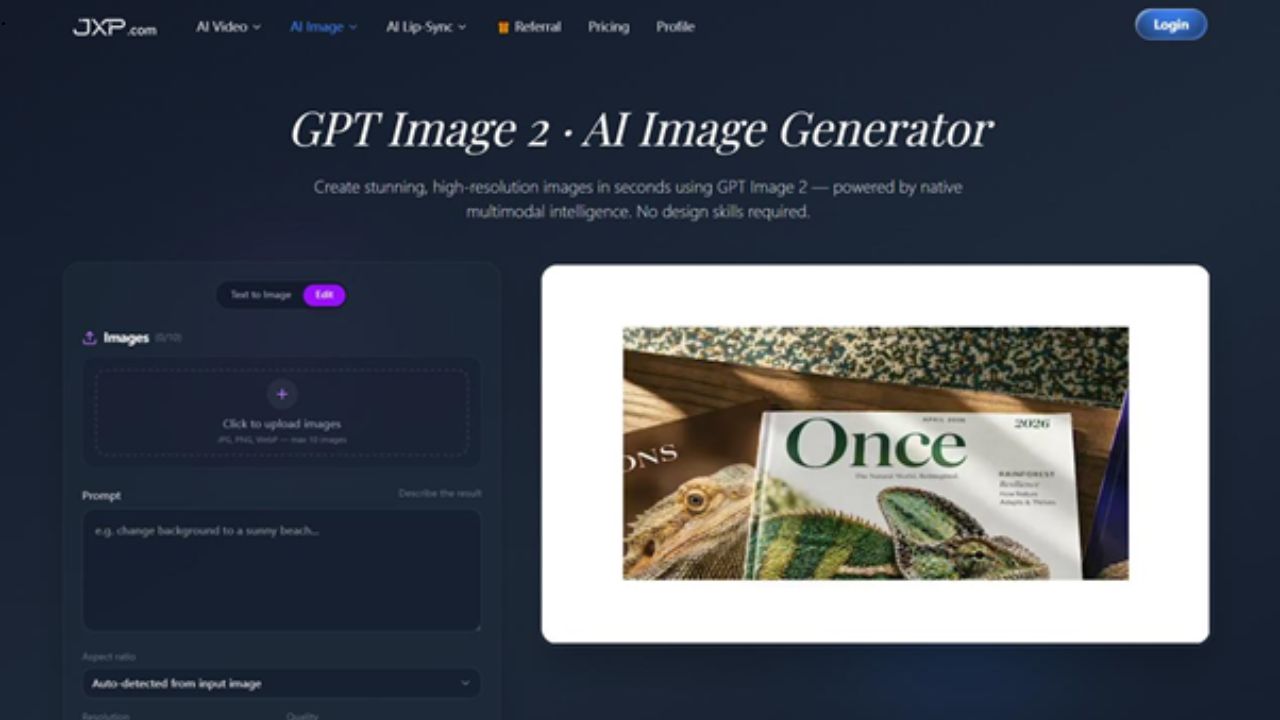
Image creation tools have become much easier to access, but the real challenge is still the same: getting an image that is useful, consistent, and ready to refine. A nice-looking first draft is helpful, but creators often need more than that. They need control over the subject, style, text, layout, and final resolution.
That is where GPT Image 2 is worth paying attention to. It is designed for people who want to generate and edit images through natural language, while still keeping enough structure for real creative work. For bloggers, marketers, designers, product teams, and social media creators, that can make the image workflow feel less scattered.
The most useful part is not simply that it can make images quickly. It is that it gives creators a practical way to generate a draft, adjust details, keep a character consistent, combine references, and polish the final output without jumping between too many tools.
Why Better Image Control Matters
Most creators do not need random images. They need images that fit a specific purpose. A blog cover should match the topic. A product visual should keep the item recognisable. A character image should not change from one version to the next. A poster or banner should render text clearly enough to be usable.
This is why control matters. If an image generator produces something attractive but unusable, the creator still has to spend time fixing it. A better tool should help users move from idea to usable draft faster.
GPT Image 2 focuses on that practical middle ground: fast generation, clearer editing, and more predictable visual direction.
Fast 2K Generation for Everyday Creative Work
Speed is important because most creative projects involve comparison. A designer may want to test several thumbnail directions. A marketer may need a few social media options. A writer may want a cover image that matches the tone of an article.
With GPT Image 2, users can create high-resolution 2K images quickly, which is helpful when the goal is to explore several directions before choosing one. Instead of treating the first image as final, creators can use the fast output as a starting point for review and refinement.
This is especially useful for blog graphics, campaign drafts, concept art, product scenes, social posts, and visual mood testing.
Natural Language Editing Makes Revisions Easier
A common problem with image tools is that editing can feel disconnected from the original idea. You generate an image, then need another app to remove an object, change a color, adjust the background, or improve the composition.
GPT Image 2 supports natural language editing, which makes revisions more direct. A user can describe what needs to change in plain English, such as adjusting lighting, replacing a background, modifying clothing, or improving the mood of the scene.
That kind of editing is useful because it keeps the creative conversation moving. Instead of rebuilding the image from scratch, the creator can keep improving the current direction.
Character Lock Helps Maintain Consistency
One of the hardest parts of AI image generation is consistency. A character may look right in one image, then appear slightly different in the next. For storyboards, brand mascots, comic-style content, or product storytelling, that inconsistency can be a real problem.
GPT Image 2 includes a Character Lock workflow that helps preserve identity across different scenes, angles, and poses. This makes it easier to build a small visual series rather than a single isolated image.
For creators who need repeated visuals around the same person, mascot, avatar, or branded character, this is one of the more practical features.
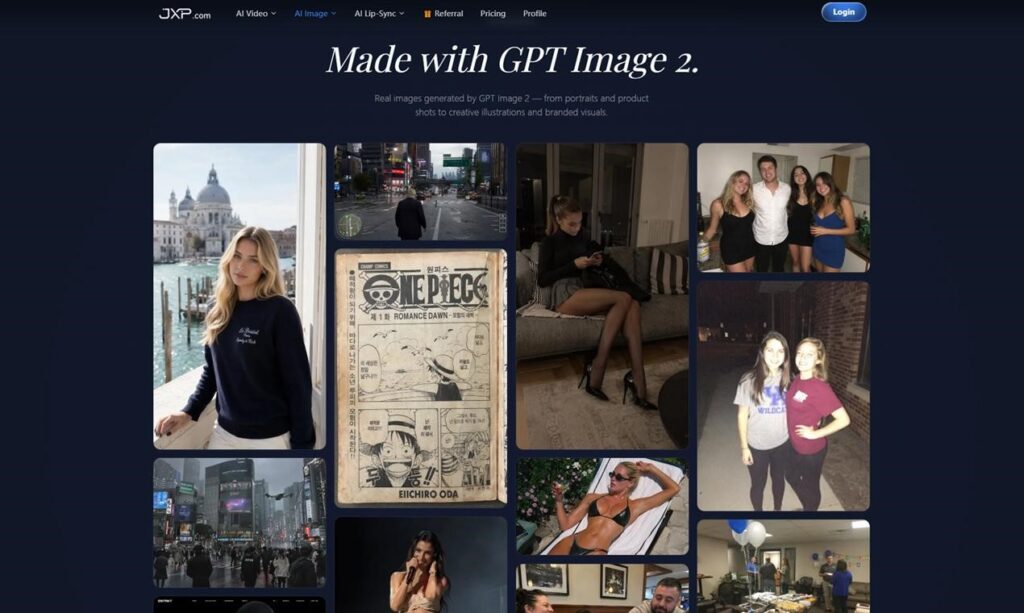
Image Fusion for Combining References
Many projects begin with more than one reference. A creator may like the lighting from one image, the product angle from another, and the background style from a third. Image fusion can help bring these inputs together into a more complete visual direction.
This is helpful for product mockups, campaign scenes, fashion concepts, interior ideas, and visual brainstorming. Instead of relying on a prompt alone, creators can bring reference material into the process and use it to guide the result.
When used carefully, image fusion can reduce the distance between the idea in your head and the image on the screen.
Accurate Text Rendering for Real Layouts
Text inside AI-generated images has often been unreliable. That is a problem for posters, banners, product labels, thumbnails, and promotional graphics. If the words are wrong, the image cannot be used without more editing.
GPT Image 2 is built with stronger text rendering, which makes it more useful for layouts that include names, slogans, headings, or product copy. This does not remove the need to review the final image, but it does make the tool more practical for everyday content creation.
For publishers and marketers, this is a meaningful improvement. A visual that includes readable text can move much closer to production quality.
4K Enhancement and Commercial Exports
After a draft looks right, resolution becomes important. A small image may work for a quick preview, but higher-quality output is needed for websites, presentations, product pages, and campaign material.
GPT Image 2 supports 4K enhancement and commercial-ready export options, which helps creators move from a draft to a more polished final asset. This makes the workflow useful not only for experiments, but also for content that may be published or shared professionally.
Where GPT Image 2 Fits Best
GPT Image 2 is most useful when a project needs both speed and control. It can help with:
- Blog and article cover images
- Product concept visuals
- Social media graphics
- Character-based visual series
- Campaign mockups
- Poster, banner, and thumbnail drafts
- Creative experiments before final production
The best way to use it is as a flexible visual workspace. Generate the idea, review it, edit the weak parts, improve the resolution, and only then decide whether it is ready to publish.
Tips for Getting Better Results
A clear prompt still matters. Instead of writing a broad request, describe the subject, style, lighting, background, composition, and intended use. If the image includes text, write the exact wording and explain where it should appear.
If consistency matters, use reference images and describe what should remain the same. If you are combining images, explain the role of each reference. If the image is for a real campaign or website, review the final details before export.
The tool works best when it is treated as part of a creative process, not as a replacement for creative direction.
Final Thoughts
GPT Image 2 is useful because it focuses on the parts of image creation that creators deal with every day: speed, editing, consistency, text accuracy, and final image quality. It does not need to be used as a one-click solution. It works better as a practical way to shape visual ideas faster.
For writers, marketers, designers, and small teams, that can save time during the early creative stage. You can test concepts, keep characters consistent, combine references, fix details, and prepare higher-resolution images without breaking the workflow.
The result is a more grounded approach to AI image creation: less guessing, more refining, and a clearer path from idea to usable visual.