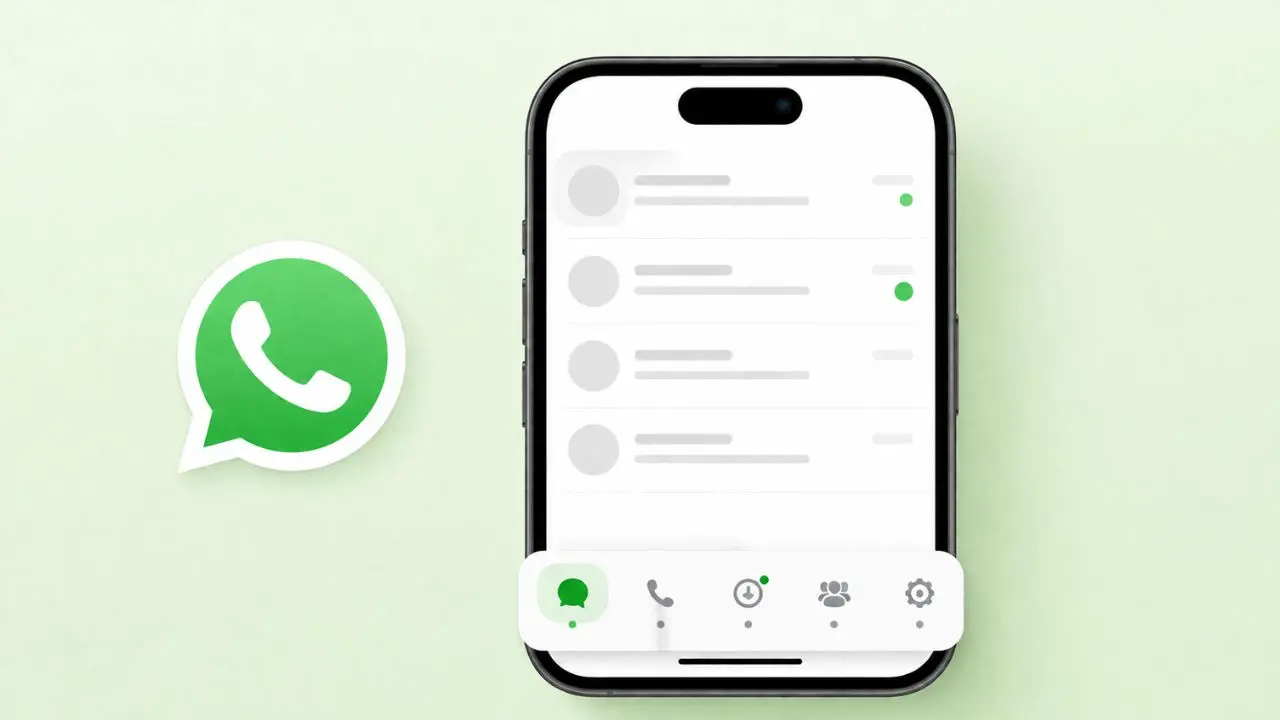
WhatsApp is testing a new look for iPhone. A new bottom navigation bar is on the way. The biggest change is a brand new Contacts tab. Right now, this only lives inside the beta app. Most users have not seen it yet.
This update follows two earlier changes. Status updates now sit at the top of the chat list. Channels are also moving into the Chats tab. Once these pieces come together, the app will feel different. Below, we break down what this update covers, and what it means for you.
Table of Contents
What Is Actually Changing
So, what does this update really mean? Here is the short version:
- A new Contacts tab may replace the Updates tab
- Status updates already sit at the top of Chats
- Channels are moving into the Chats tab too
- The changes are still in beta, tested through TestFlight
These changes work together. So, WhatsApp seems to have one clear goal. The app wants a simpler menu. Fewer tabs. Less clutter.
Why WhatsApp Wants a Contacts Tab
Right now, it is hard to know who is free to chat. You send a message and wait, or you check someone’s status and guess. WhatsApp has already made people easier to find with its option to reserve a WhatsApp username, and this tab builds on that same idea.
The new Contacts tab will show who is online right now. It will also show people who were online recently. So, users get a quick and honest picture of who they can reach.
However, privacy still matters here. If someone hides their last seen status, they will not show up in this list. So, nobody loses control over their own settings.
How the New Contacts Tab Will Work
Based on early tests, the tab follows a clear layout:
- Favorite contacts sit at the top
- The full contact list sits below that
- Users can sort contacts by name or by activity
- A green dot marks contacts who are online now
- Recently active contacts show their last seen time instead
This setup feels close to other messaging apps. Still, WhatsApp adds its own privacy touch.
The Updates Tab May Disappear
For years, the Updates tab held two things: Status and Channels. But that is changing fast.
Status already moved to the top of Chats. Channels are next. Once both leave the Updates tab, that tab has little left to offer.
Because of this, it makes sense to remove it. Instead, that same spot could become the new Contacts tab. In short, WhatsApp is not adding a random tab. It is simply swapping one tab for a better one.
Android Users Might Get This Too
This is not just an iPhone story. WhatsApp is also testing this on Android.
At first, WhatsApp tried replacing the Meta AI tab instead, around the same time it was building a private Meta AI side chat. That idea did not stick, though. Instead, WhatsApp shifted toward replacing the Updates tab on Android too.
So, both platforms seem headed the same way. Your WhatsApp menu could soon look and work the same, no matter your phone.
Why the Timing Makes Sense
App redesigns rarely happen for no reason. WhatsApp already has one of the biggest user bases in the world. So, even a small change affects millions of people at once.
Right now, many apps push users toward real-time activity. Instagram shows who is active. Snapchat does too. WhatsApp seems to want that same edge.
On top of that, WhatsApp has stayed quiet on big feature news lately. A new Contacts tab gives the app something fresh to share. It also gives beta testers a reason to pay attention again.
Because of this, the timing lines up well. WhatsApp gets a simpler app. Users get a faster way to find who is around.
When Will This Launch?
There is no release date yet. The Contacts tab is still early. It is not even live for beta testers.
Based on past updates, beta testers will likely see it first. After that goes well, WhatsApp will push it out to everyone.
For now, iPhone users can already see two smaller changes. Status sits at the top of Chats. Channels are slowly moving there too. Those are early signs of the bigger shift ahead.
What This Means for Everyday Users
Once this update lands, WhatsApp could feel much simpler. Instead of checking many tabs, users could open one Contacts tab and instantly see who is around. That helps whether you’re on your phone or you use WhatsApp on iPad and PC.
This matters more than it seems. Messaging apps live and die by ease of use. So, a cleaner menu could make WhatsApp feel more current. Think of apps like Instagram or Telegram, which already highlight active users.
Still, nothing is final yet. WhatsApp often tests features that never launch. Because of that, it is worth watching how this unfolds over the coming months. Either way, the direction is clear. WhatsApp wants people to open the app and know, right away, who is free to talk.
Quick Questions, Quick Answers
Is the new Contacts tab live yet?
No. It is only in early testing. It is not on for beta users yet.
Will the Updates tab go away completely?
It looks that way. Once Status and Channels fully move, the Contacts tab will likely take its spot.
Can people hide from the Contacts tab?
Yes. Anyone who hides their last seen status will not appear there. WhatsApp has closed other privacy gaps too, including the old blocking trick that used to reveal blocked contacts.
Is this coming to Android too?
Yes. WhatsApp is testing a similar Contacts hub on Android. It may replace the Updates tab there too.
Why is WhatsApp removing the Updates tab?
Because Status and Channels no longer need their own space. Both already moved into the Chats tab, so the old tab lost its purpose.
Final Thoughts
WhatsApp is clearly building a fresher, simpler layout for iPhone. The new Contacts tab, plus the loss of the Updates tab, points to a cleaner app overall. This fits a pattern, too, since WhatsApp recently gave iPad a matching Liquid Glass design. Android users will likely see the same changes soon.
For now, this is still a beta-only feature. But if early signs hold up, WhatsApp’s bottom menu is about to look quite different. That goes for both iPhone and Android, in the near future.