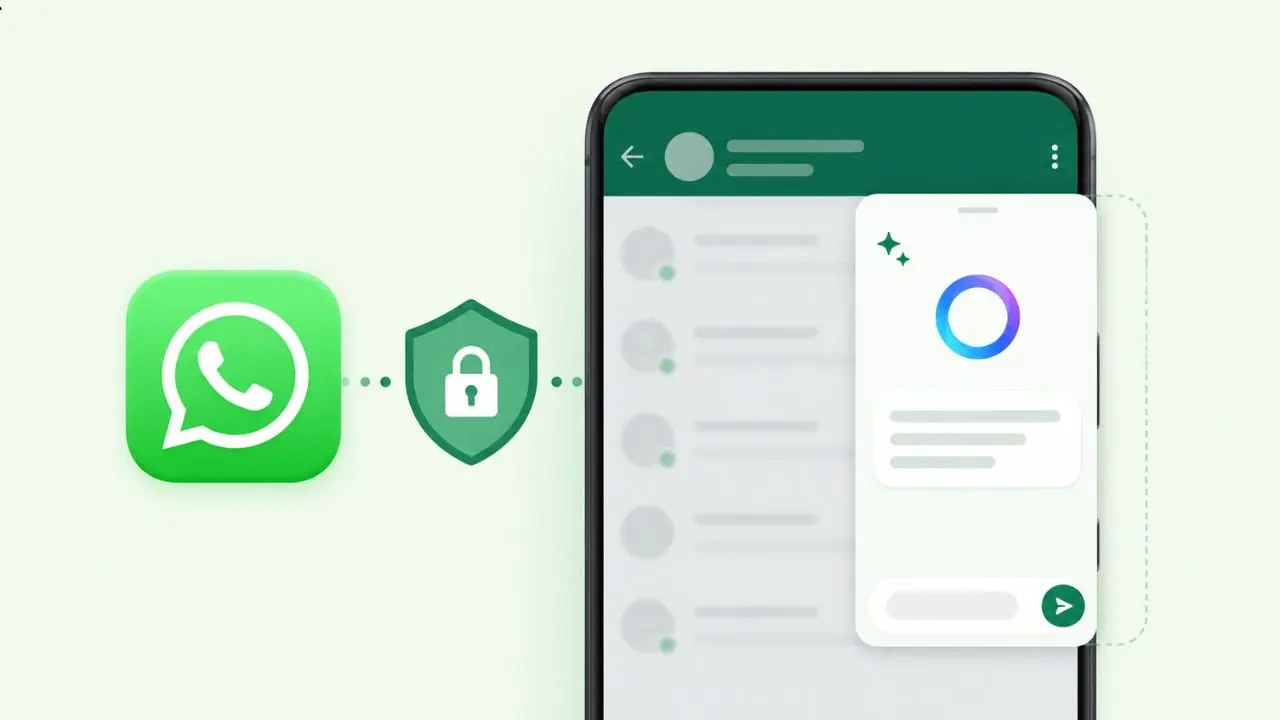
WhatsApp is quietly testing something that could change how people use AI inside their chats. The app is rolling out a new feature called Side Chat, and it lets you ask Meta AI for help privately, right inside a conversation. So far, only a small number of users on Android and iOS can see it. But the idea behind it is worth understanding, even if you haven’t got access yet.
Table of Contents
So, What Exactly Is Side Chat?
Think about a time when you were reading a long group chat and had no idea what people were talking about. Or maybe someone sent you a message in another language and you needed a quick explanation. In those moments, you probably wished you could ask someone for help without making it obvious to everyone else in the chat.
That is exactly what Side Chat is designed for. It opens a separate panel on your screen where you can talk to Meta AI. The key part is that Meta AI can actually understand what is happening in your conversation. It uses that context to give you relevant answers. However, nobody else in the chat can see what you are asking or what Meta AI tells you. It is just between you and the AI.
How Do You Open It?
To access Side Chat, you simply swipe left while you are inside a conversation. WhatsApp then opens a dark-colored panel on the side. This panel is separate from your main chat, and it stays that way while you use it. Your original conversation just waits in the background.
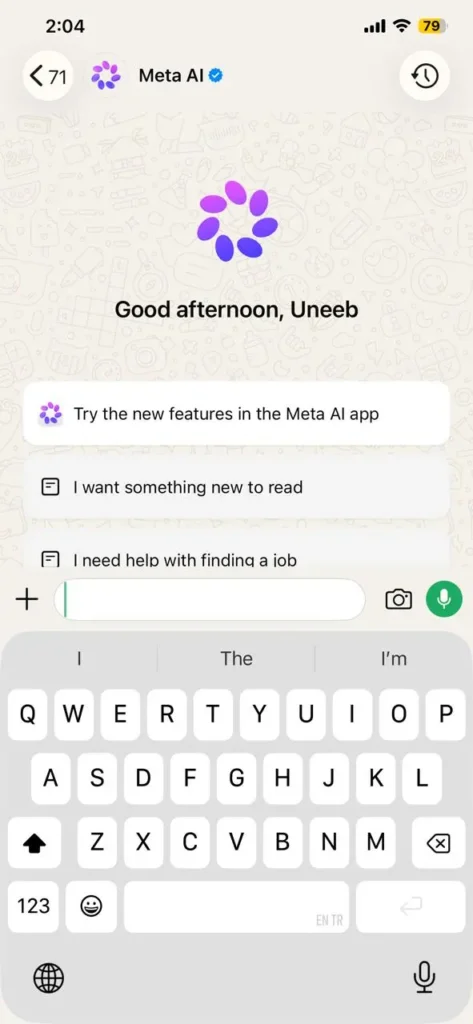
Once inside the Side Chat panel, you can type a question. You can also choose from a list of suggested prompts that WhatsApp shows you. These suggestions are based on what is happening in the conversation, so they tend to be pretty useful right away.
What Can You Actually Use It For?
Side Chat comes with a few built-in tools that are worth knowing about:
- It can summarize recent messages in a conversation so you can catch up fast
- It can help you write or improve a reply before you send it
- It can explain something confusing that someone said in the chat
- It supports web search, so you can look things up without leaving the app
The web search part is turned on by default, but you can switch it off in settings if you prefer. This feature is powered by something called Private Processing, which we will get to in a moment.
Why Is Privacy Such a Big Deal Here?
Here is where things get interesting. When an AI assistant reads your messages, it is natural to feel a little uneasy. Those messages could be personal, sensitive, or just things you would not want a tech company storing somewhere. WhatsApp seems aware of this, and that is why Side Chat is built on a system called Private Processing.
Private Processing works by handling your request inside a secure, isolated environment. Neither Meta nor WhatsApp can read what you typed or what the AI said back. Once the process is done, nothing is saved. There is no record of the conversation. Two independent security firms reviewed this system and confirmed it meets strong privacy standards. You can also check the Trail of Bits security review for full technical details.
So in theory, you are getting AI help that is actually aware of your conversation, without giving Meta access to what you discuss. That is a meaningful step forward. Meta has also shared more detail on how Private Processing works for anyone curious about the technical side.
How Is This Different From Tagging @Meta AI in a Chat?
You might already know that WhatsApp lets you tag @Meta AI directly inside any chat. However, that works very differently from Side Chat. When you use @Meta AI in a group or even a one-on-one chat, everyone in that conversation can see both your question and the AI’s response. WhatsApp has also been adding useful features for group chats, like member tags, showing how much the app is growing. That kind of @Meta AI interaction is not protected by Private Processing, so the privacy protections simply do not apply.
Side Chat, on the other hand, is completely invisible to other people in the chat. In addition, it runs through Private Processing every single time. The two features are meant for different situations, and it makes sense to understand which one fits each moment.
There Is Also Incognito Chat — How Does That Fit In?
WhatsApp introduced Incognito Chat a little while ago. That feature also lets you talk to Meta AI privately, and it similarly uses Private Processing. However, Incognito Chat works without any context from your conversations. You are basically starting a fresh, private conversation with the AI from scratch.
Side Chat fills the gap that Incognito Chat leaves. Because Side Chat can see the context of a specific conversation, it gives you much more relevant help. Together, the two features cover most situations where privacy matters when using AI on WhatsApp.
A Few Things to Know Before You Get Excited
There are some limits worth mentioning. Side Chat does not work in chats where you have turned on disappearing messages. It also does not work when Advanced Chat Privacy is enabled. If you have either of those settings turned on in a specific chat, Side Chat will simply not be available there. WhatsApp made this decision to respect what users chose when they turned those settings on in the first place.
Also, Side Chat is completely optional. WhatsApp does not trigger it automatically. You have to swipe and open it yourself. If you never use it, your chats work exactly the same as always.
When Will More People Get Access?
Right now, Side Chat is only available to a very small group of users. WhatsApp has not announced a specific timeline for a wider release. It is also unclear which regions or account types are being prioritized in this early phase. The rollout is happening gradually, so most people will need to wait a bit longer.
WhatsApp has been busy lately. The app recently rolled out animated message bubbles on iPhone too. Side Chat feels like a more serious addition, and it is clear the team is not rushing it out.
The Bottom Line
Side Chat is a thoughtful approach to bringing AI help into private conversations. It gives you context-aware answers while keeping your messages away from Meta’s servers. For users who have been hesitant about AI features because of privacy concerns, this could be the version that actually feels comfortable to use. Keep an eye on your WhatsApp updates over the coming weeks.