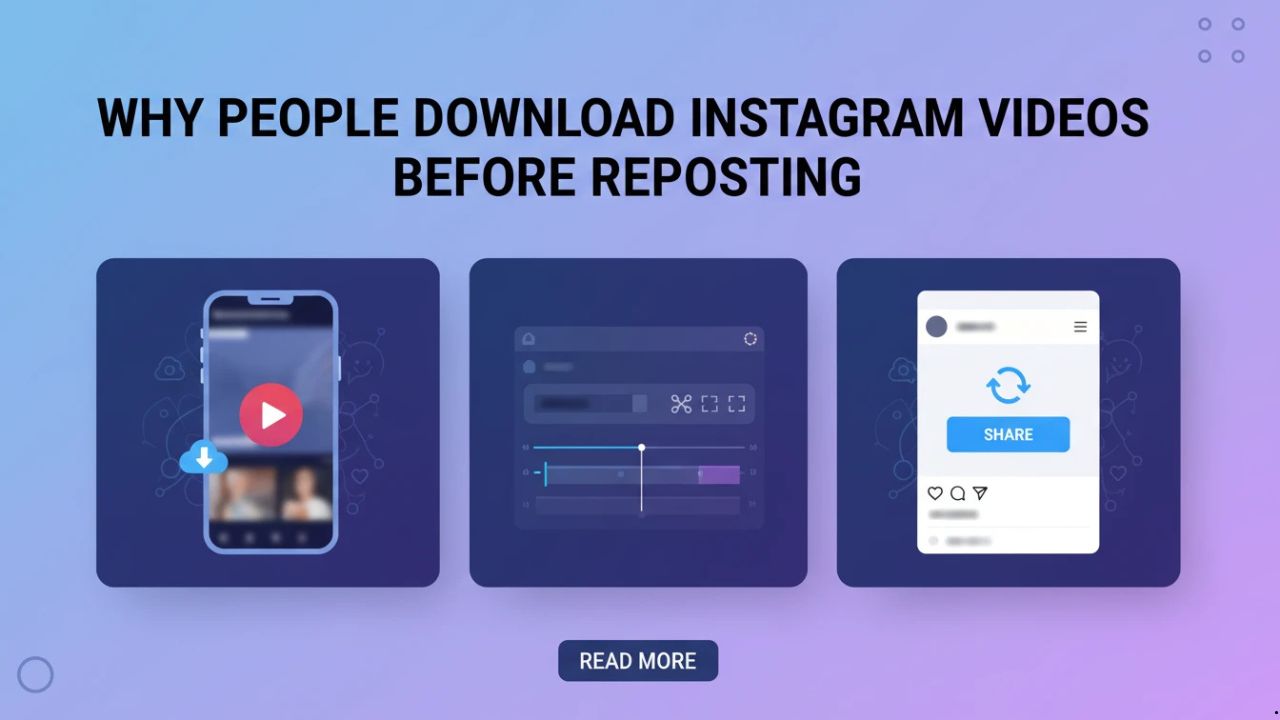
Scrollers spot a Reel that screams “share this now.” Reposting straight from Instagram often blurs edges, locks edits, or adds unwanted overlays. Downloading first delivers clean MP4 files for true customization and reuse.
A fitness coach eyes a workout demo with perfect form cues. Platform repost caps resolution or slaps on watermarks. Local save lets her trim the intro, revoice tips, and post her branded spin without compromises.
Feeds shuffle fast. That perfect clip vanishes tomorrow under algorithm tweaks. Downloaded copies stay put in folders, ready whenever inspiration strikes, no endless scrolling required.
Table of Contents
Quality Control Drives the Habit
Instagram compresses reposts automatically. A crisp 720p Reel turns mushy on reupload, losing detail in fast cuts. Downloaded originals keep every pixel sharp, no re-encoding surprises mid-process.
Memers layer bold text over trending clips. Platform previews distort how overlays land on mobile. Offline tests on saves let creators swap fonts three times, refine spacing, and land 10k views with polished results.
Batch reposts demand consistency. Mixed source qualities jar the feed grid. Uniform downloads from clean files smooth everything out, creating pro-looking carousels without extra software.
Devices vary wildly. Phone reposts stutter on desktop previews or vice versa. Local files sync across ecosystems flawlessly, eliminating upload guesswork and preview mismatches.
A travel creator grabbed beach Reels at 1080p. Repost shrank them; saves kept vibrancy for print graphics later. Small edges like this stack up over dozens of posts.
Editing Freedom Changes the Game
Grab a dance Reel via a website to download Instagram videos. Slice the hook to five seconds sharp. Speed it 1.2x, drop custom audio track, export for Stories or feed. Post as collab bait that feels native.
Comedians stitch three saves end-to-end. Pause at punchlines, note exact timing between beats. A mashup tested fully offline exploded after pacing tweaks no platform preview catches.
Travel accounts remix city clips from saves. Crop shaky drone starts, boost saturation on sunsets. One vlogger built a 90-second montage from 12 files, scheduling posts across three weeks without link hunts.
Offline edits skip Wi-Fi waits entirely. Late-night phone trims in CapCut turn into morning Reels. Creators stack hours weekly this way, hitting daily posts even on spotty connections.
Micro-workflow: lunch break crop on tablet, evening polish on laptop. Foodies test spice close-ups frame by frame, matching lighting before their cook-along version drops.
Archiving Against Platform Shifts
Algorithms bury old Reels overnight or purge accounts. Downloaded folders hold those gems for months, even years. A podcaster pulled a summer 2025 hook in January 2026, layering new voiceover for double the plays.
Repost credits tie posts to originals forever. Saves enable anonymous remixes or full ownership. Marketers strip tags cleanly, repurposing clips for email headers or ads without backlinks. Learn more about reposting stories here.
Storage stays dead simple. 40MB files stack to thousands on any drive. Theme folders—”Challenges2026,” “Hooks-Under7s”—make scans instant during brainstorming.
Teams split tasks smoothly. One scouts and saves nightly, another edits batches. Zipped folders share via Drive, bypassing Instagram’s story limits or group chat clutter.
One duo ran a month-long series from 150 archived Reels. No scrambling when trends peaked. Ownership like this turns reactive posters into planned powerhouses.
Workflows That Scale for Regular Posters
Nightly ritual: copy 15 Reel links post-scroll, download in bulk before bed. Morning edit sprints yield three tailored posts. A beauty account grew followers 20% monthly mixing saves with fresh shoots.
Spot patterns across the archive. Hooks under 7 seconds dominate virals? Prioritize slicing those first. One account’s 400-clip review reshaped their entire series format overnight.
Cross-post with precision. Instagram save trims to TikTok specs offline, no quality dip on export. Food bloggers test vertical crops, captions, and music layers before multi-platform drops.
Long-game thinkers archive quarterly drops. Summer beach Reels resurface in winter “throwback” edits. Podcasters tag by audio style—upbeat, chill—for mood-matched episodes.
A comedian’s two-year library of 800 clips revealed gold: reaction faces timed at 3s pulled comments. Regular downloaders build these insights fastest, outpacing one-off scrollers by miles.
As creators tighten control over their reposting workflows, the same offline-first mindset extends beyond Instagram. When Threads posts spark ideas worth reworking, saving them locally keeps formats flexible and accessible—many creators use simple tools like https://savethr.com/ to download Threads content for later edits or scheduling. And once assets are on hand, visual cleanup matters too: platform watermarks on photos can disrupt feed consistency, so tools like https://phototune.ai/remove-watermarks help keep images clean, brand-ready, and aligned with polished repost strategies